Topic
#identify recitation
Articles about identify recitation from the Abdohoo.App Solutions blog and help centre.
Which surah is this? How to find the ayah being recited
Let a recognition app listen for 10 seconds, or catch a few distinctive Arabic words and search for them in a Quran search. Refrains, names, openings and the context of the prayer narrow it down.
Introducing Samee: a listener for Quran recitation
Samee (سامع, "the one who listens") identifies a Quran recitation, follows an imam or student word by word to mark mistakes, tracks a khatm and helps you practise. It runs in your browser, no sign-up.
How to identify a Quran recitation: a 'Shazam for Quran' explained
Record a few seconds with an app that recognises Quran audio. It matches the sound against known recordings, or recognises the words and finds them in the Quran, then names the reciter by voice.
What Samee is and how to start using it in your browser
Samee listens to Quran recitation. It names the surah, ayah and reciter, follows a reciter word by word to mark mistakes, and helps you practise. Open samee.abdohoo.app; no sign-up needed.
Read the identify result: surah, ayah, reciter and confidence
The result names the surah and ayah range with its juz and page, shows the ayahs, the reciter and how it was found, and a confidence bar. Buttons let you follow along, practise or play the reciter.
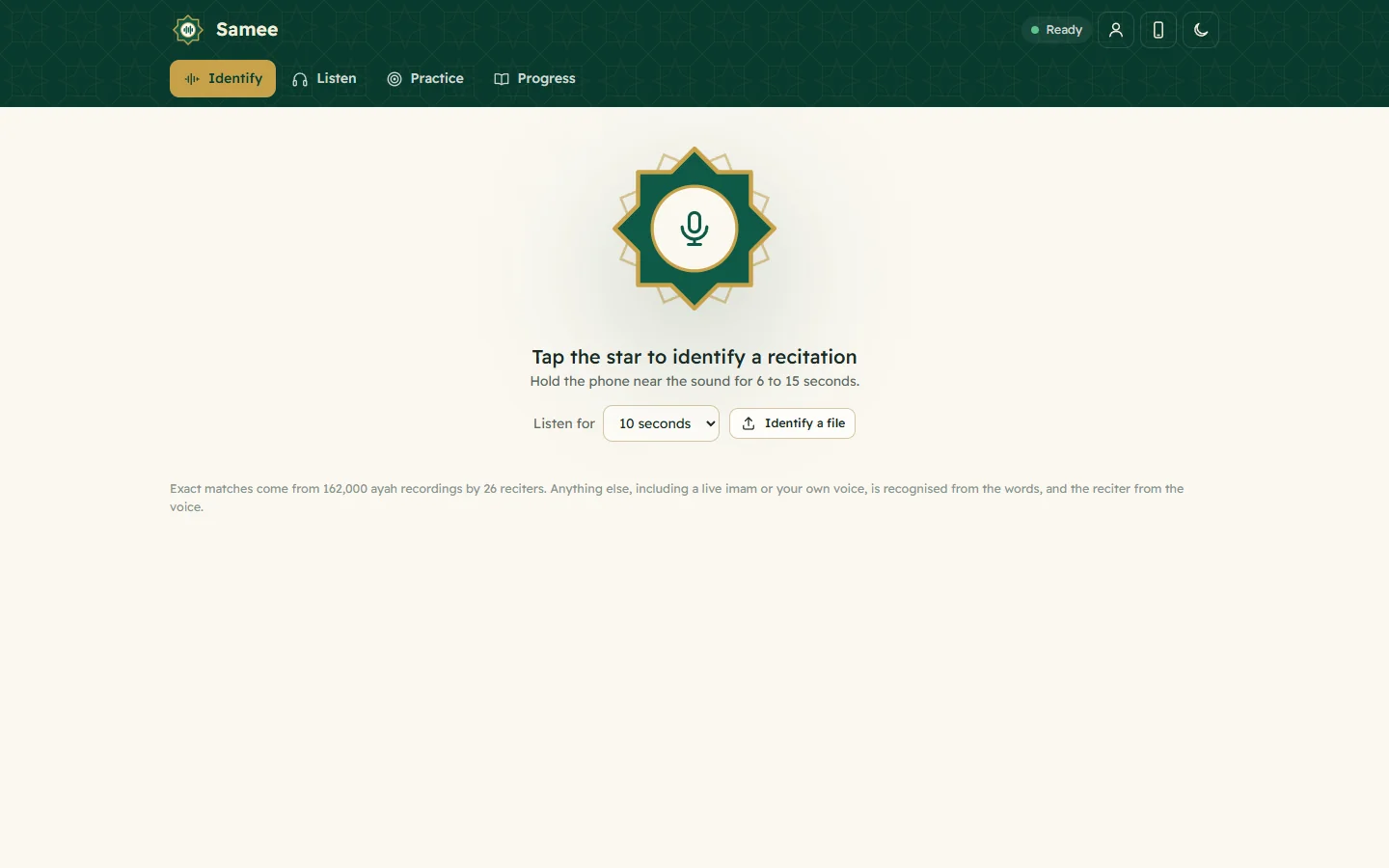
Identify a Quran recitation from sound or from a file
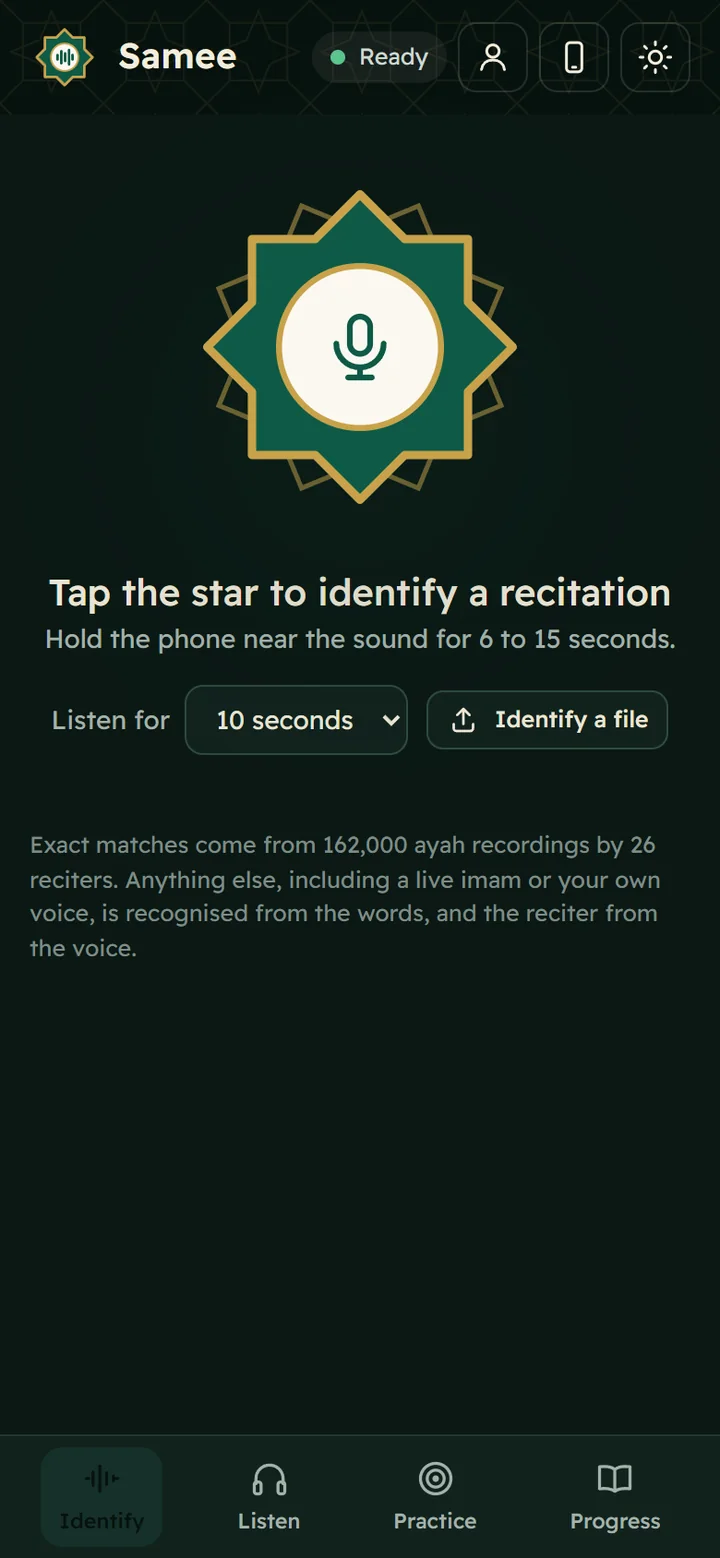
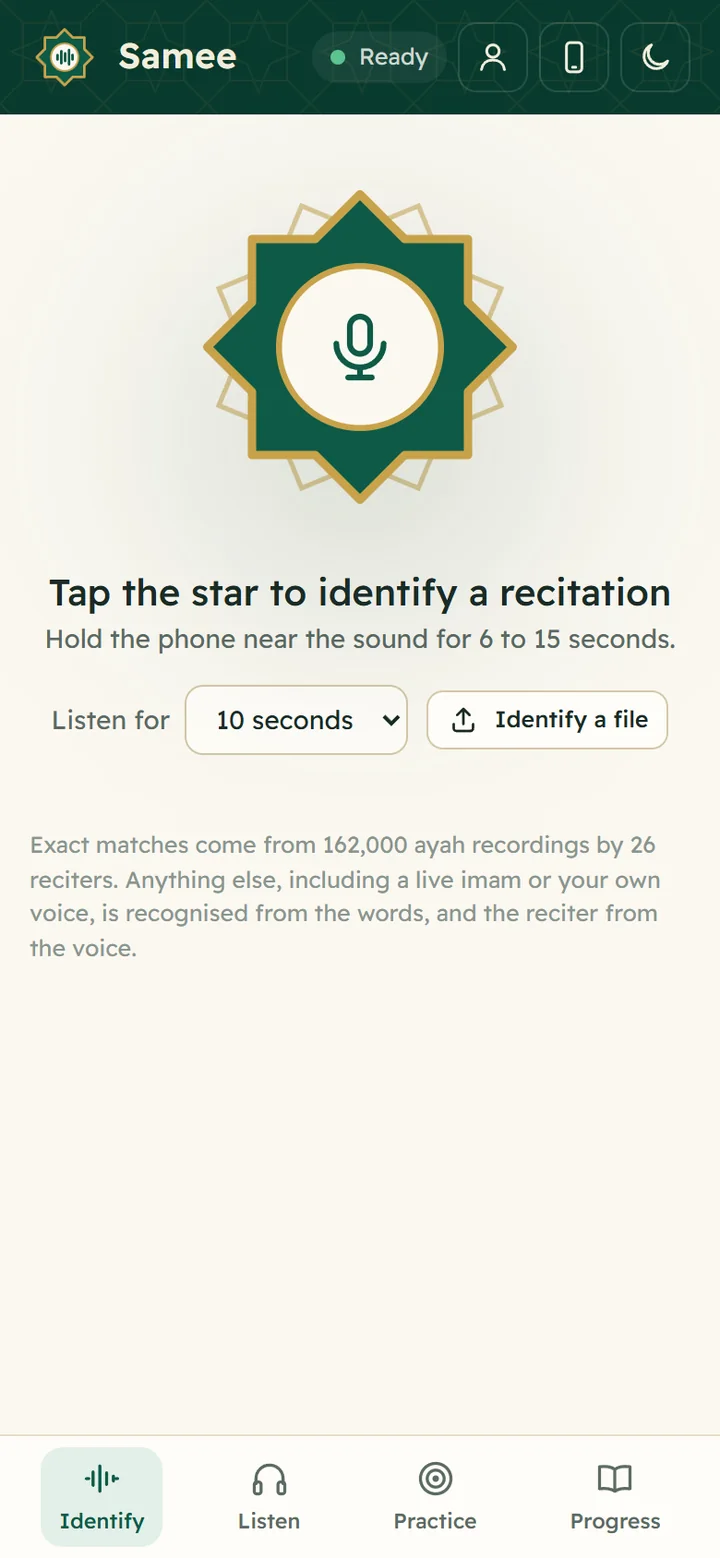
On Identify, tap the star and hold the phone near the recitation for 6 to 15 seconds, or tap Identify a file. Samee names the surah, the ayahs and, where it can, the reciter.