Shadecard · Help
Shadecard help centre
Measures fabric colour with a phone camera and returns a dye recipe.
Getting started
What Shadecard does and your first reading.
- Shadecard explained: what it does and who it is forShadecard measures a fabric's colour with a phone camera, matches it to a library of 13,297 shades and gives a yellow:red:blue starting recipe to confirm with a lab dip.
- Take your first fabric colour reading, step by stepTap Capture dress color, keep White paper selected, lay the paper in the small dashed box and fill the big box with flat fabric, then tap the shutter once and hold still.
- Android app, website and scan packs: what runs whereMeasuring happens in the Shadecard Android app. sc.abdohoo.app is the product website with a live demo. A new install has 3 free scans; scan packs come through Google Play.
Capturing colour
Light, framing and the white paper, grey card or colour chart reference.
- White paper, grey card or colour chart? Choosing a referenceWhite paper is the everyday reference and unlocks shade plus recipe. An 18% grey card is more reliable. A 24-patch colour chart gives full colour correction. No card: family only.
- Lighting and framing for a good colour readingUse soft indirect daylight from one source, lay the fabric flat, fill the big box with plain cloth, tilt the phone about 30–45° and keep the reference card in the same light.
Shade library & matching
Reading results, ΔE, nearest shades and the 13,297-shade library.
- Read your result: L*a*b*, shot spread, ΔE00 match and depthThe result shows your fabric's L*a*b*, how well the three photos agreed (spread), how close the nearest shade is (ΔE00), a Y:R:B starting recipe and a depth in % owf.
- Find and compare the nearest shades to your fabricEvery result lists the top match and two runners-up; tap one to swap. On any shade, the Visually similar list and Compare show the ΔE00 and ΔL*, Δa*, Δb*, ΔC* side by side.
- Browse and search the 13,297-shade Shadecard libraryOpen Shade library from the home screen, filter by one of six families or type a shade name. Type a six-digit hex code to see the nearest fine-grid points with derived recipes.
Recipes & the dyeing calculator
Trichromatic recipes, grams, stock solutions, pad liquor and the bath.
- Understanding the trichromatic recipe (Y:R:B and % owf)A Shadecard recipe has two dials: the Y:R:B ratio sets the hue, the % owf sets how deep. Choose the fibre on the result to see the dye class; confirm everything with a lab dip.
- Use the recipe calculator: grams, stock solution or pad liquorEnter fabric weight, depth (% owf), water ratio and the Y:R:B ratio. Pick Weigh (g), Stock (mL) or Pad (g/L); the calculator gives each dye plus bath volume, salt and soda.
- From Shadecard recipe to lab dip: test, log and correctSave the measurement, dye a small swatch from the calculator's stock volumes, measure the dried dip, then Log dip with the outcome and correction. Promote a proven recipe to My shades.
Language & settings
Urdu, saved scans and preferences.
- Switch Shadecard to Urdu (اردو) and back to EnglishTap اردو in the English | اردو switch at the top of the home screen. The whole app turns to Urdu, right to left, including warnings and dyeing terms. Tap English to switch back.
- Saved measurements, export and cloud backup in ShadecardTap Save measurement on a result; it appears in My workspace, where you can reopen it, log a dip or promote it. Export makes a file; signing in backs everything up automatically.
Troubleshooting
When a reading looks wrong, and why two phones can disagree.
- Couldn't get a clean reading: fix a rejected captureA rejection names the guard that failed: photos that disagree, persistent glare, an overexposed card or an unreadable chart. Fix that one thing and tap Retake; no scan is used.
- Why Shadecard shows no recipe (family only, no close match, whites)No recipe appears when there was no reference card (family only), when no library shade is within ΔE 9, or when the fabric is white or optically brightened. Each has a fix.
- Why two phones read the same fabric differentlyEach phone's sensor and image processing see colour differently. Shadecard corrects with a reference card and locked exposure, but small differences remain: measure a job on one phone.
Shadecard on the blog
More →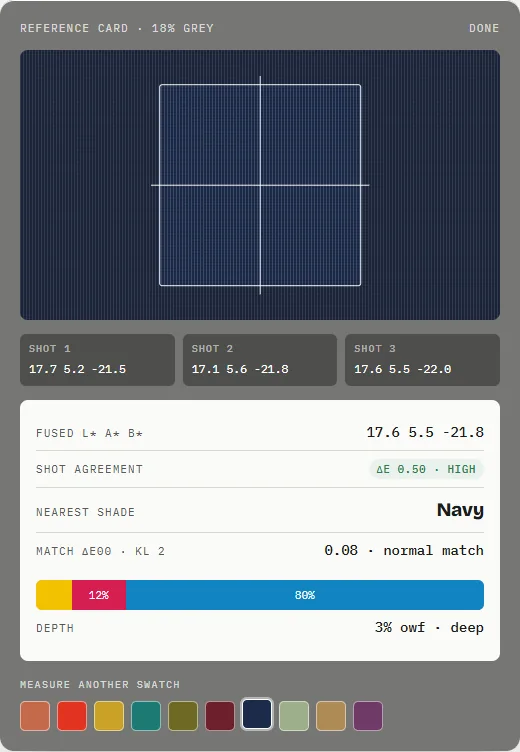
What is trichromatic dyeing? Yellow, red and blue explained
Trichromatic dyeing builds a shade from three compatible dyes – a yellow, a red and a blue. The ratio sets the hue, the total depth (% owf) sets how dark, and a lab dip confirms.
Shadecard 0.9: a redesigned app and a library of 13,297 shades
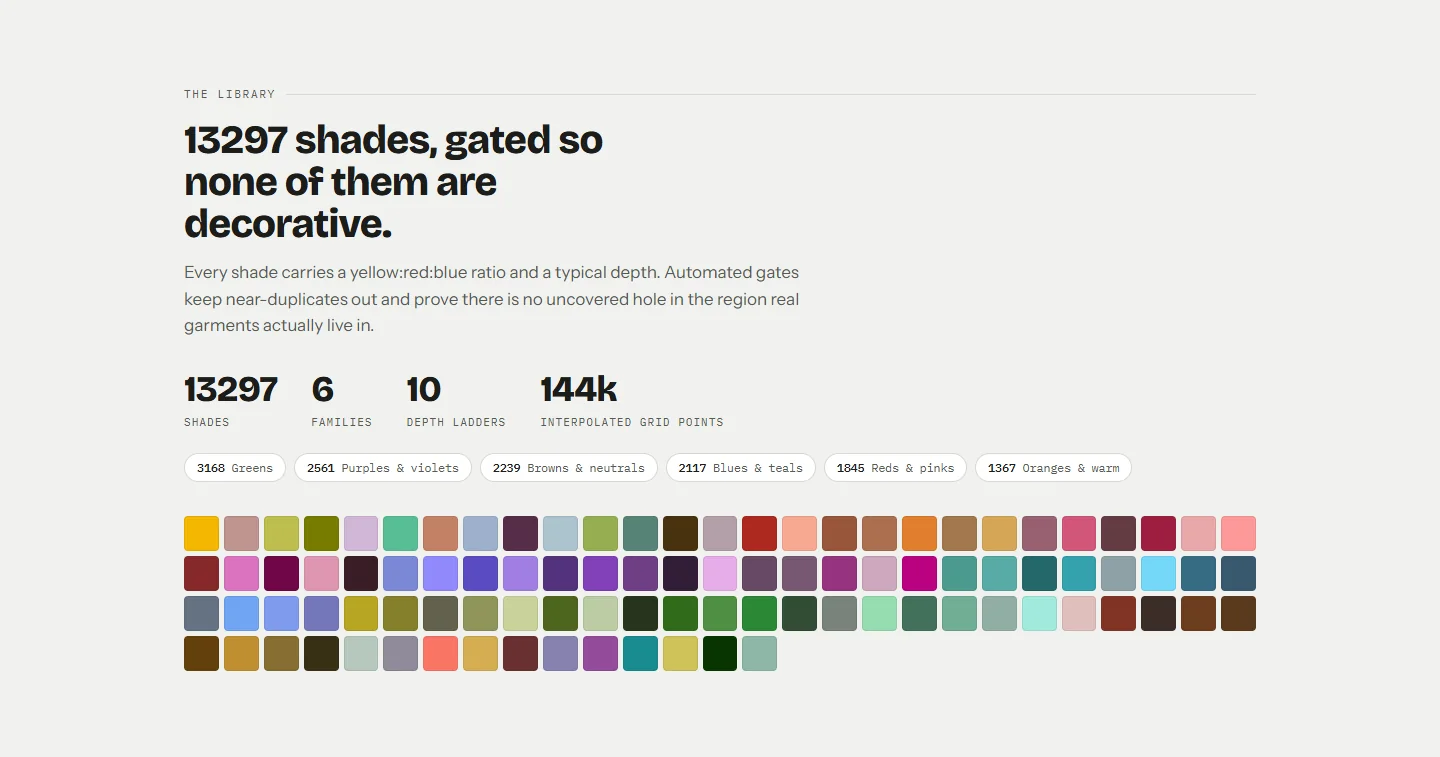
Shadecard for Android 0.9 brings a redesigned home screen, plain white paper as the everyday reference, and a shade library that grew from 466 to 13,297 shades.
Shade cards and colour naming systems in textiles
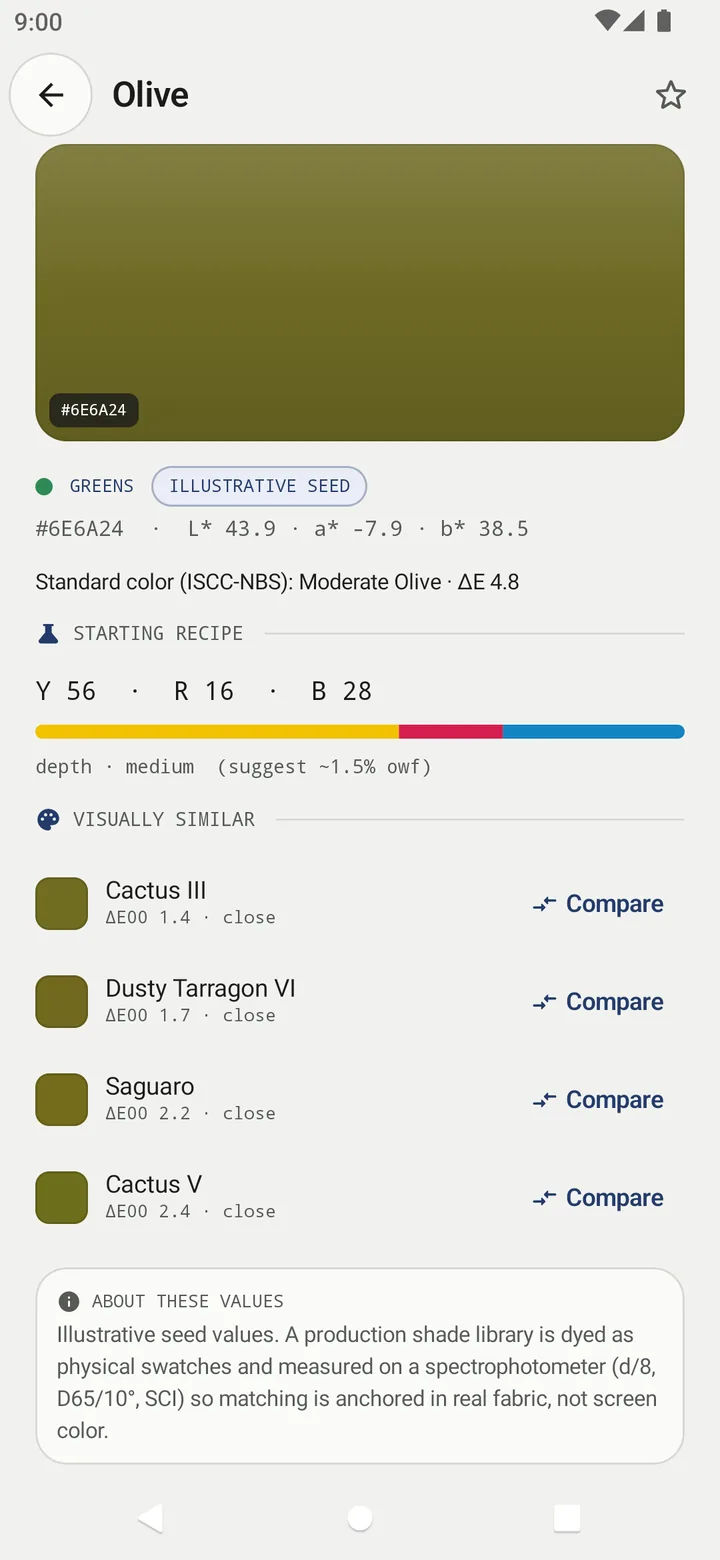
A shade card is a set of colour samples used to specify colour. Names like "olive" are ambiguous; systems such as Munsell, ISCC-NBS and CIELAB tie a name or code to a position.
Can't find what you need?
Tell us what you were trying to do in Shadecard and we'll help — and add the answer here.