Android app, website and scan packs: what runs where
In short
Measuring happens in the Shadecard Android app. sc.abdohoo.app is the product website with a live demo. A new install has 3 free scans; scan packs come through Google Play.
On this page
Shadecard's measuring tool is an Android app: the camera capture, the 13,297-shade library, the recipe calculator and your workspace all run on the phone. The website at sc.abdohoo.app explains how the measurement works and has a demo you can click through, but it does not measure cloth. A new install includes three free scans; after that, scan packs are bought through Google Play.
The Android app
The app needs Android 8.0 or newer and a back camera. Most of it works offline: the shade library is bundled with the app, and the capture, matching and calculator run on the phone. When you are online the app also checks for library updates and, if you sign in, keeps a cloud backup.
At the time of writing, sc.abdohoo.app lists the Android app as coming soon to Google Play.
The website: sc.abdohoo.app
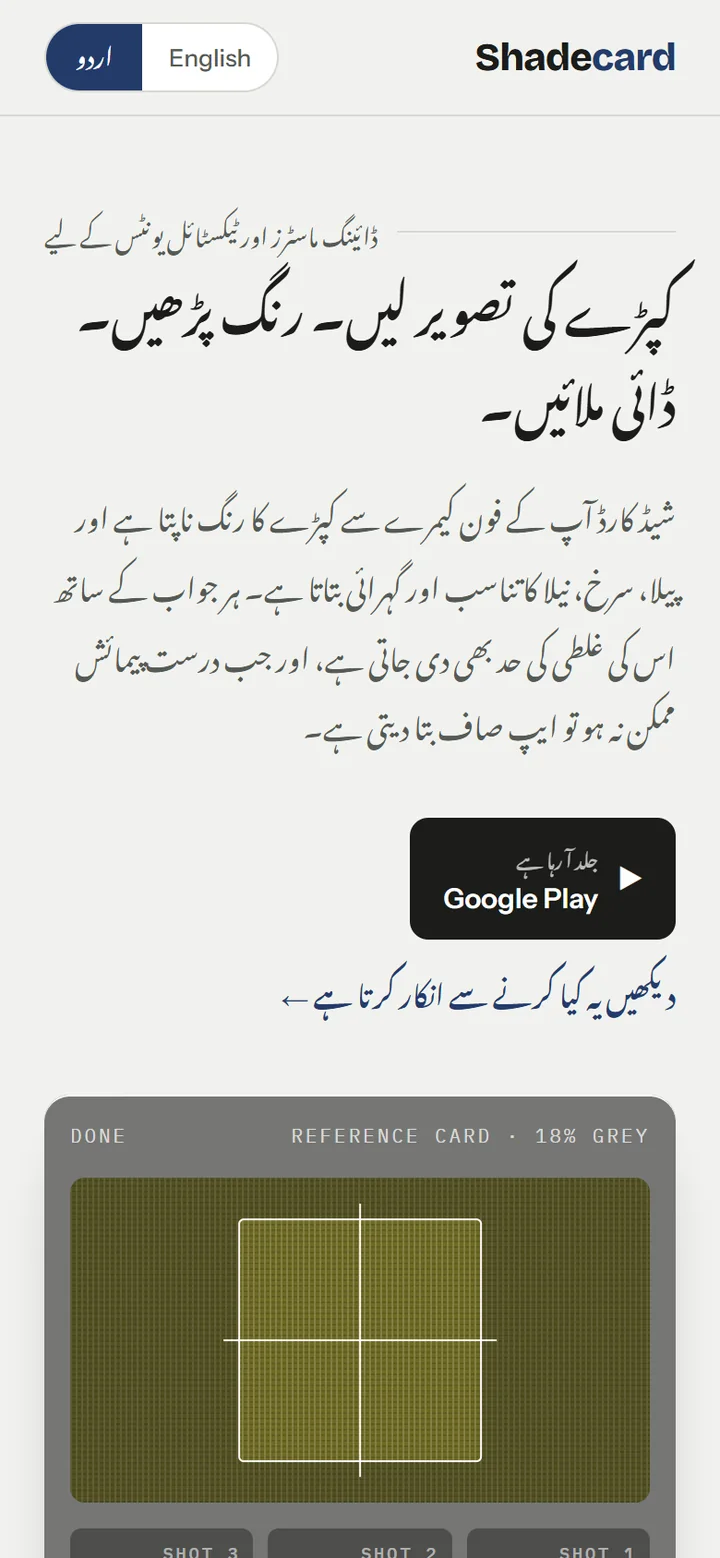
The website is where you can see what Shadecard does before installing it. It explains the four steps of a measurement (lock, measure, match, mix), the three conditions under which the app refuses a recipe, the library's six families, and the Urdu interface.
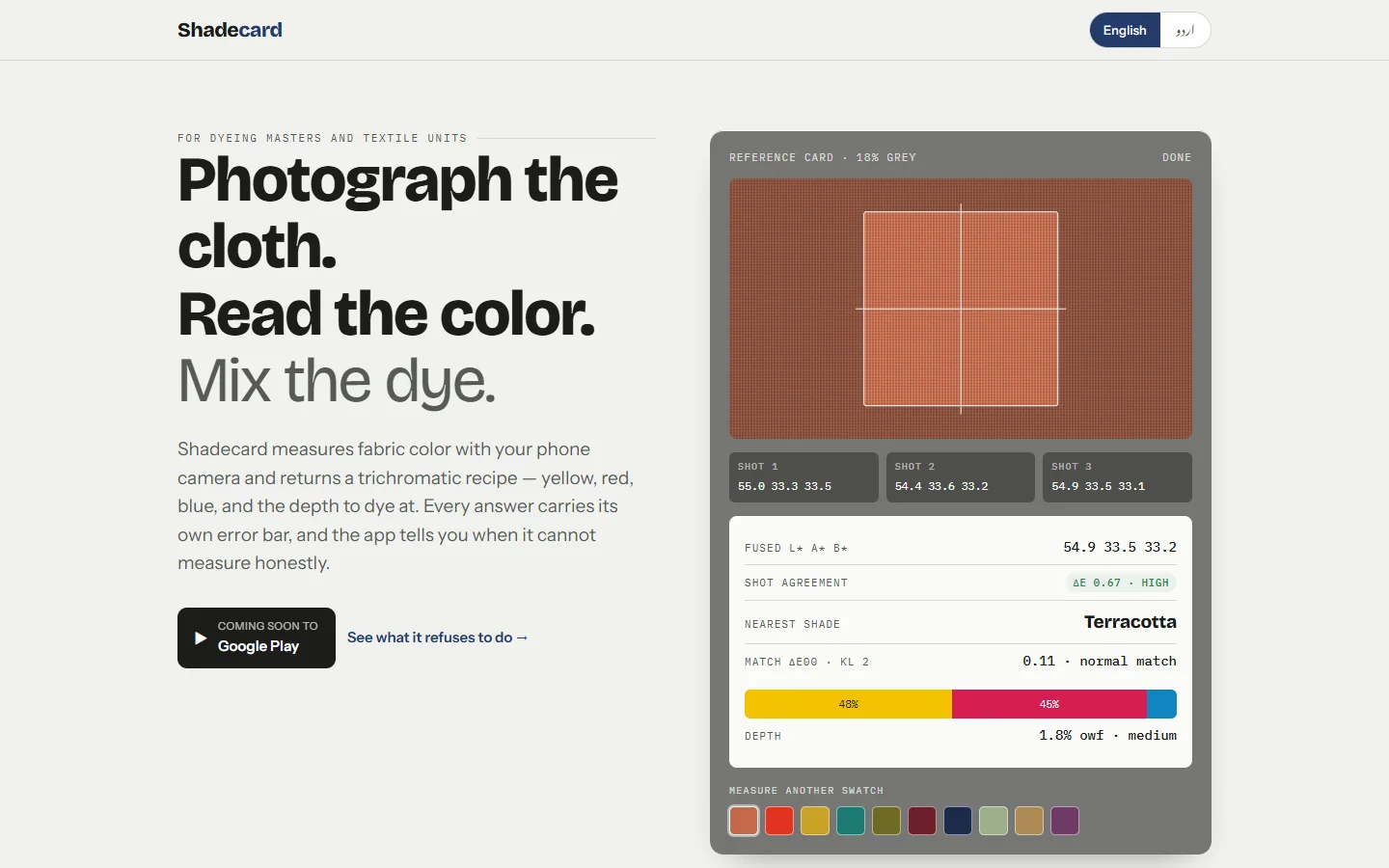
The instrument panel on the page is a demo: pick a swatch under Measure another swatch and it plays through three shots, the fused L* a* b*, the shot agreement, the nearest shade, the match ΔE00 and the depth, using real library shades and the app's own colour maths. It simulates a capture; it does not read your cloth. The page also has an English / اردو switch.
Scans: free, paid and what counts
The home screen shows how many scans you have left, for example 3 scans left · Get more. Tap it (or the Scan packs tile) to open Scans & AI credits.

How it works, as the app describes it:
- Your first 3 scans are free (without AI).
- After that, buy a scan pack. Paid scans include AI analysis. Payment is handled by Google Play.
- You must sign in to buy scans and to sync them across your devices.
- When you have paid scans, they are used first; the free scans apply when the paid balance is zero.
A scan is counted only when a fresh capture produces a result. These never use a scan:
- a capture that is rejected (Couldn't get a clean reading)
- the torch light check on an existing result
- reopening a saved measurement from My workspace
- browsing the Shade library or using the Recipe calculator
If you have no scans left, tapping Capture dress color shows You've used your 3 free scans with a See packs button.
AI analysis (paid scans)
On a result from a paid scan, Get AI analysis asks a cloud AI model for a second opinion on the colour and recipe. This sends the measurement's colour values and a small cropped image of the fabric to Shadecard's server, which forwards it to the configured AI provider. If you never tap it, no image leaves the phone. The app's own match and recipe do not depend on it.
Account and backup
Signing in is optional. Without it, the app shows Not signed in — your data stays on this device only. With an account, your shades, measurements and dip log back up automatically. See Saved measurements, export and cloud backup.
Related
Frequently asked questions
Can I measure fabric from the website?
No. The camera measurement, library, calculator and workspace are in the Android app. The website at sc.abdohoo.app explains the method and includes a demo that simulates a reading.
Is there an iPhone version?
Not at present. Shadecard is built for Android (Android 8.0 or newer).
What uses up a scan?
Only a fresh capture that produces a result. Rejected captures, the torch light check, reopening a saved measurement, the library and the calculator do not use scans.
Do I need an account?
No. Without an account your data stays on the phone. Sign in to back up your recipe book to the cloud and to buy scan packs.
Was this article helpful?
Related articles
- Take your first fabric colour reading, step by stepTap Capture dress color, keep White paper selected, lay the paper in the small dashed box and fill the big box with flat fabric, then tap the shutter once and hold still.
- Shadecard explained: what it does and who it is forShadecard measures a fabric's colour with a phone camera, matches it to a library of 13,297 shades and gives a yellow:red:blue starting recipe to confirm with a lab dip.
- Install Salah Locator and set it up on your Android phoneInstall Salah Locator free from Google Play (Android 8.0 or later), then tap the location button on Find and allow location. Mosques, timetables and Pray Now work without an account.
- Saved measurements, export and cloud backup in ShadecardTap Save measurement on a result; it appears in My workspace, where you can reopen it, log a dip or promote it. Export makes a file; signing in backs everything up automatically.
Need a hand?
Email us what you see on screen — a screenshot helps — and we'll walk you through it.