Install Salah Locator and set it up on your Android phone
In short
Install Salah Locator free from Google Play (Android 8.0 or later), then tap the location button on Find and allow location. Mosques, timetables and Pray Now work without an account.
On this page
Salah Locator is free on Google Play for phones running Android 8.0 or later. After installing it, open the Find tab, tap the location button next to the search box and allow location access, and the app lists the mosques near you. You can read timetables, use Pray Now and set prayer alarms straight away. An account is only needed to save mosques or run one.
Install the app
- On your phone, open Google Play and search for Salah Locator, or open the Google Play listing directly.
- Tap Install.
- When it finishes, tap Open.
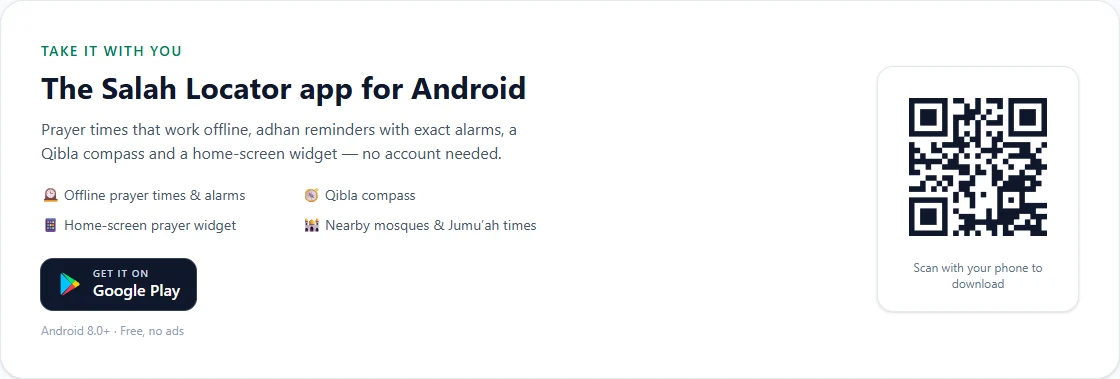
If you are on a computer, the home page of sl.abdohoo.app has a Get it on Google Play button and a QR code you can scan with your phone's camera.
Allow location on first run
The app opens on Find. Until it knows where you are, it shows the general mosque directory under the heading Mosques.
- Tap the round location button to the right of the Search by name, city or area box.
- When Android asks, choose While using the app. Leave Precise switched on if your phone offers it, so distances are accurate.
- The heading changes to Mosques near you, and a chip underneath shows Showing mosques near followed by your area.
Once you have allowed location, the app refreshes your position each time you open it. If location is switched off, it shows mosques near the last place you searched from.
Find your way around
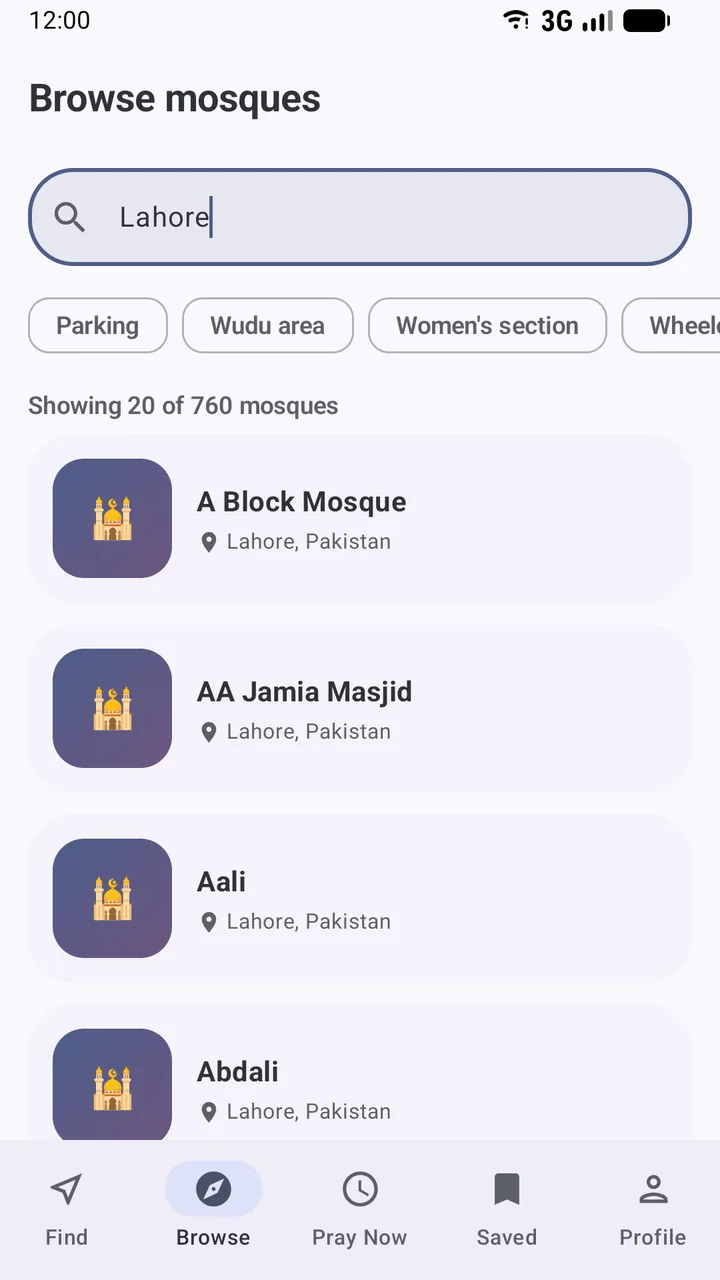
The bar at the bottom of the screen has five tabs:
| Tab | What it is for |
|---|---|
| Find | Mosques near you, plus search by name, city or area |
| Browse | The full directory, with filters for parking, a wudu area, a women's section and more |
| Pray Now | Nearby congregations for the current prayer that you can still reach |
| Saved | Mosques you have bookmarked (needs an account) |
| Profile | Sign in, prayer alarms, the Qibla finder, language, appearance and calculation settings |
At the top of Find there are two more shortcuts: the compass icon opens the Qibla finder, and the bell opens Notifications.
Other permissions the app may ask for
- Notifications. On Android 13 and later, the app asks for this the first time you open a mosque's Prayer alarms screen. Without it, reminders can't appear.
- Exact alarms. If your phone hasn't granted it, the alarm screen shows an Allow exact alarms card with an Open settings button. It keeps reminders on time. See Set up prayer reminders.
The app does not ask for access to your contacts, photos or microphone. If you run a mosque and upload pictures, you choose them in Android's photo picker, which shares only the photos you pick.
Do you need an account?
Without an account you can use almost everything: nearby mosques, timetables, Pray Now, the Qibla finder, alarms and the widget. Create one if you want to:
- save mosques and see them under Saved on the app and the website
- get announcements and events from mosques you follow
- register or manage a mosque
- keep your theme, language and last location in step across devices, with Sync settings to my account
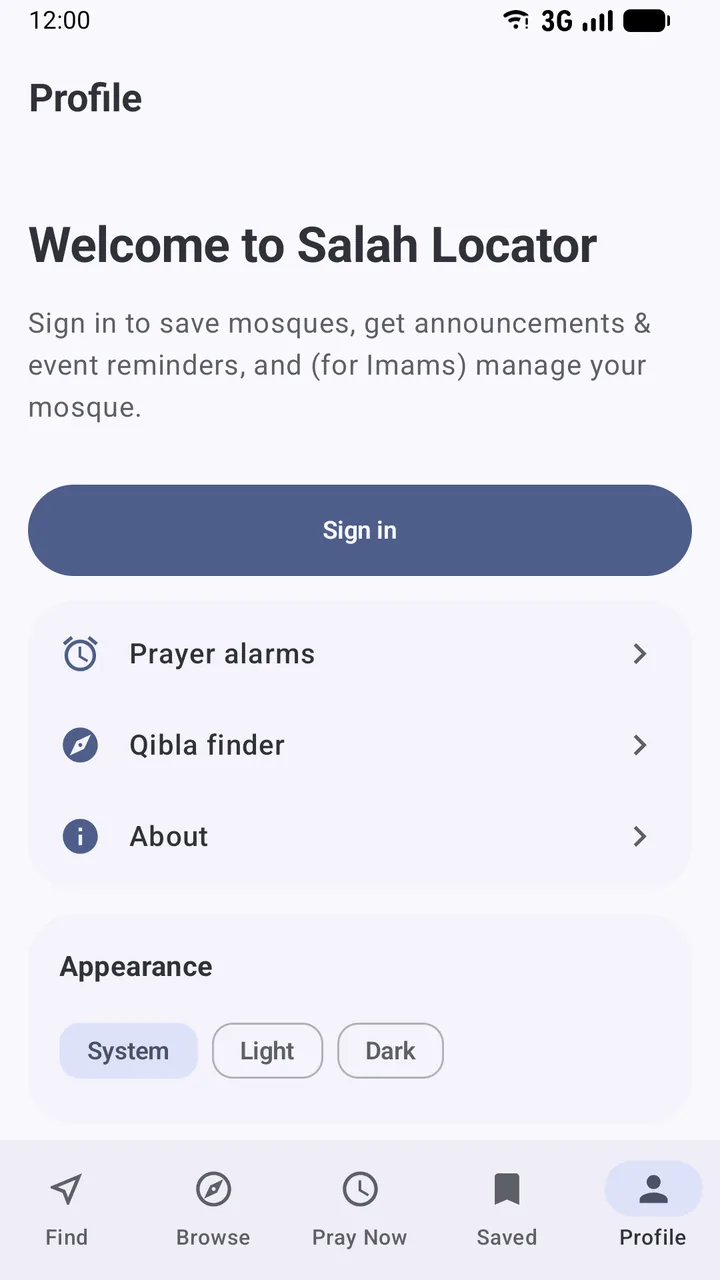
To create one, open Profile, tap Sign in, then Create an account. You need a full name, an email and a password; a phone number is optional.
Language and appearance
Under Profile → Language you can switch the app between English, العربية, اردو, Français, Bahasa Indonesia, Türkçe and বাংলা. Arabic and Urdu use a full right-to-left layout. Under Appearance, choose System, Light or Dark.
Next, learn how to find the nearest mosque, or read what works offline before you travel. For what happens to your data, see Delete your account and understand your data.
Frequently asked questions
Do I need an account to use Salah Locator?
No. Finding and browsing mosques, reading timetables, Pray Now, the Qibla finder and prayer alarms all work without signing in. An account is only needed to save mosques, receive updates from mosques you follow, or manage a mosque.
Which phones can run the Salah Locator app?
Android phones running Android 8.0 or later. There is no iPhone app at the moment; on an iPhone, use the website at sl.abdohoo.app in your browser.
Does Salah Locator use my location in the background?
No. The app asks for location only while you are using it, to list nearby mosques, run Pray Now and point the Qibla finder. It does not store your location history.
Is Salah Locator free?
Yes. There are no ads, no subscriptions and nothing to buy. It is run as a free community service.
Was this article helpful?
Related articles
- Delete your Salah Locator account and understand your dataIn the app, open Profile, tap Delete account and confirm. On the website, open Settings and choose Delete account. Deletion is immediate and removes your saved mosques and notifications.
- Set up prayer reminders and fix alarms that don't ringOpen a mosque, tap Alarms, choose Adhan or Iqaamah and switch on the prayers you want. If reminders are late or silent, allow exact alarms and notifications and lift battery limits.
- Use Salah Locator offline: what works without a connectionMosque pages you've opened stay on your phone for up to 30 days, alarms are scheduled on the device and the Qibla finder works from GPS. Pray Now and new searches need a connection.
- Add the Salah Locator prayer times widget to your home screenLong-press your home screen, open Widgets, drag out Salah Locator's Prayer times widget, pick a mosque and a theme, and tap Add widget. It shows the next prayer and today's five times.
Need a hand?
Email us what you see on screen — a screenshot helps — and we'll walk you through it.