Set up prayer reminders and fix alarms that don't ring
In short
Open a mosque, tap Alarms, choose Adhan or Iqaamah and switch on the prayers you want. If reminders are late or silent, allow exact alarms and notifications and lift battery limits.
On this page
To get a reminder for a prayer, open the mosque you pray at, tap Alarms, choose whether to be reminded at the Adhan or the Iqaamah, and switch on the prayers you want. Reminders are scheduled on your phone, so they work offline and survive a restart. If one arrives late or not at all, the cause is almost always a phone setting: exact alarms, notifications, battery optimisation or Do Not Disturb.
Set a reminder
- Open a mosque from Find, Browse, Pray Now or Saved.
- Tap Alarms under the mosque's photo, or the alarm-clock icon at the top of the screen.
- If Android asks whether Salah Locator may send notifications, tap Allow.
- Under Remind me at, choose Adhan or Iqaamah.
- Switch on each prayer you want to be reminded of.
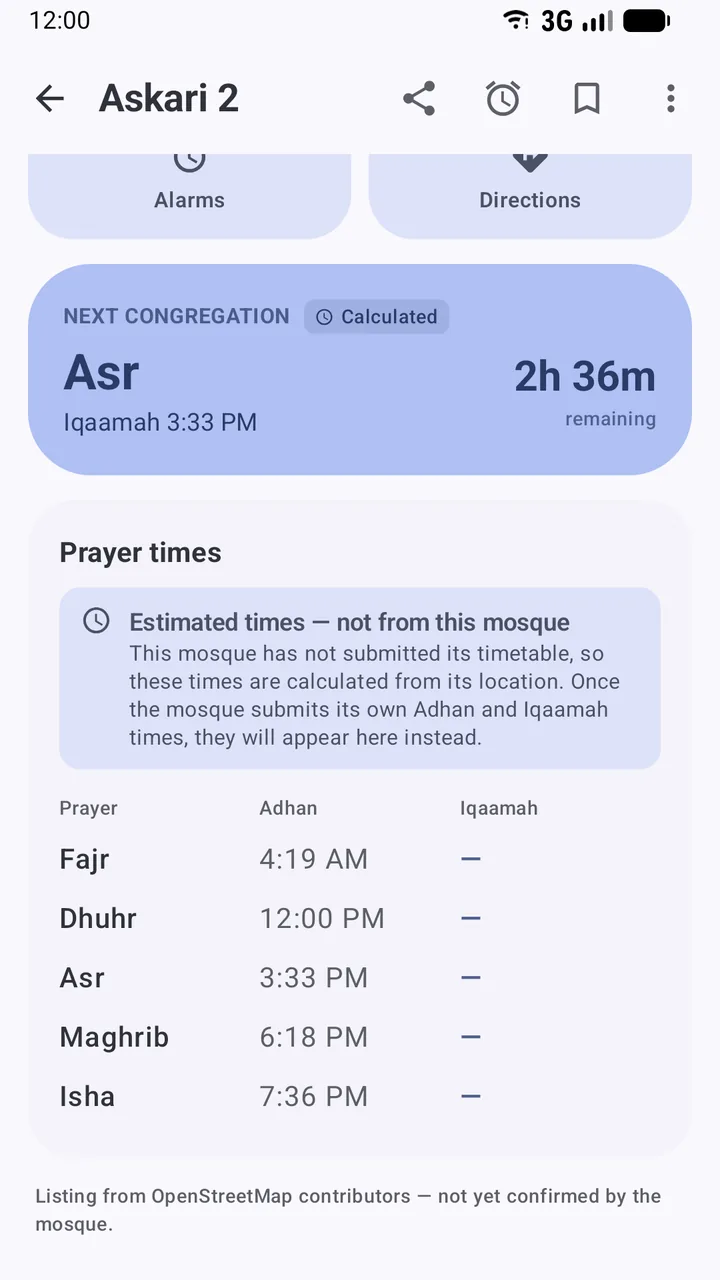
When the time comes, you get a notification such as Fajr • Badshahi Mosque with It's time — congregation at 4:35 AM. Tapping it opens the app.
A few rules worth knowing:
- One mosque per prayer. Each of the five prayers can be tied to one mosque at a time. If Dhuhr is already set at another mosque, the row says Currently at and that mosque's name; switching it on here moves it.
- Published times only. Reminders follow a mosque's own timetable, including a Ramadan or seasonal timetable while it is in force. If the mosque hasn't published a time for a prayer, that row shows Not set and its switch can't be turned on.
- Jumuʼah. There is no separate Jumuʼah reminder. On Fridays the Dhuhr reminder follows the Dhuhr time, so check the Jumuʼah row on the mosque's page.
See or remove all your reminders
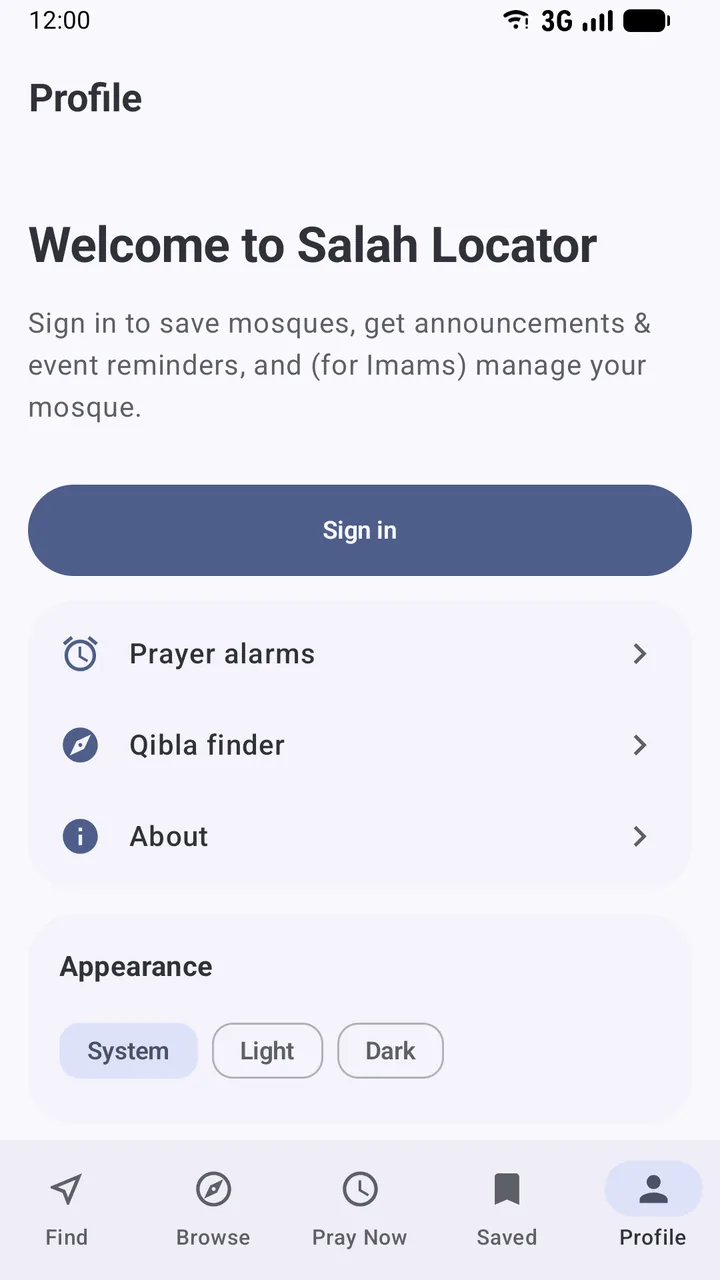
Open Profile → Prayer alarms (or tap Manage all on any mosque's alarm screen). My prayer alarms lists every prayer you have set and the mosque it follows. Tap the crossed-out alarm icon to remove one.
When a mosque changes its times
Each time you open the app, and about every six hours in the background while you are online, the app re-checks each mosque you have a reminder for. If the mosque has changed a time, your reminder moves to the new time and a Timing updates notification tells you, for example Fajr time updated. When the phone restarts or the app updates, all reminders are set again automatically from the times saved on the phone.
Reminders that don't ring, or ring late
Work through these in order.
- Allow exact alarms. If the alarm screen shows Allow exact alarms, tap Open settings and switch on the permission (Android calls it Alarms & reminders). Without it, Android may hold the reminder back by several minutes to save battery.
- Check notifications. Open Android Settings → Apps → Salah Locator → Notifications. Make sure notifications are on and the Prayer alarms category isn't blocked or silenced.
- Lift battery limits. In Settings → Apps → Salah Locator → Battery (sometimes App battery usage), choose Unrestricted. Some manufacturers add their own sleeping-app or auto-start lists in the battery settings; exclude Salah Locator from them too. Names vary by phone brand.
- Check Do Not Disturb. If you use Do Not Disturb or a bedtime mode at Fajr, add Salah Locator to the apps allowed to interrupt, or the reminder will arrive silently.
- Don't force-stop the app. Force stop in Android settings cancels every scheduled alarm until you open the app again. If you have used it, just open Salah Locator once.
- Check the timetable. Make sure the prayer shows a time on the alarm screen and that Remind me at is set to the one you expect: an Adhan reminder can be 15 or more minutes earlier than an Iqaamah reminder.
For a wider look at why Android delays alarms, read Prayer alarm not going off on Android?. To choose the right mosque first, see Read a mosque's timetable, and for trips without signal, what works offline.
Frequently asked questions
Can I get reminders from different mosques for different prayers?
Yes. Each prayer is tied to one mosque, so you can take Fajr from the mosque near home and Dhuhr from the one near work. Turning a prayer on at one mosque moves it from any other.
Why can't I switch on an alarm for a mosque?
The switches are greyed out and marked Not set when the mosque has not published a time for that prayer. Reminders follow a mosque's own timetable, not calculated estimates.
Do prayer alarms need an internet connection?
No. Alarms are scheduled on your phone, so they ring without a connection and are set again automatically after a restart. The app checks for timetable changes when it is online.
Does the reminder play the Adhan?
The reminder is a notification in the Prayer alarms channel and uses that channel's sound. You can change the sound in Android's notification settings for Salah Locator.
Why did my reminder arrive a few minutes late?
Usually because exact alarms are not allowed, so Android is free to delay the reminder to save battery. Allow exact alarms from the Allow exact alarms card, and set the app's battery usage to Unrestricted.
Was this article helpful?
Related articles
- Use Salah Locator offline: what works without a connectionMosque pages you've opened stay on your phone for up to 30 days, alarms are scheduled on the device and the Qibla finder works from GPS. Pray Now and new searches need a connection.
- Add the Salah Locator prayer times widget to your home screenLong-press your home screen, open Widgets, drag out Salah Locator's Prayer times widget, pick a mosque and a theme, and tap Add widget. It shows the next prayer and today's five times.
- Read a mosque's timetable: Adhan, Iqaamah and estimated timesAdhan is the call to prayer; Iqaamah is when the congregation stands. A note under each timetable says whether the times come from the mosque, a correction or a calculation.
- Find Jumuʼah, Ramadan, Tarawih and Eid prayer timesJumuʼah has its own row in each mosque's timetable. In Ramadan a mosque can switch to a seasonal timetable and publish Sehri, Iftar, Tarawih and Eid times, which appear as the dates approach.
Need a hand?
Email us what you see on screen — a screenshot helps — and we'll walk you through it.