Browse and search the 13,297-shade Shadecard library
In short
Open Shade library from the home screen, filter by one of six families or type a shade name. Type a six-digit hex code to see the nearest fine-grid points with derived recipes.
On this page
Tap Shade library on the home screen to browse all 13,297 shades. Use the family chips (All, Oranges & warm tones, Reds & pinks, Purples & violets, Blues & teals, Greens, Browns & neutrals) to narrow the list, or type in Search shades… to find a shade by name. Typing a six-digit hex code shows the nearest points on the app's fine reference grid instead.
What each shade card shows
Every card in the library shows the swatch with its hex code, the shade name, the Y · R · B ratio with a coloured bar, and a depth word (for example depth · medium).
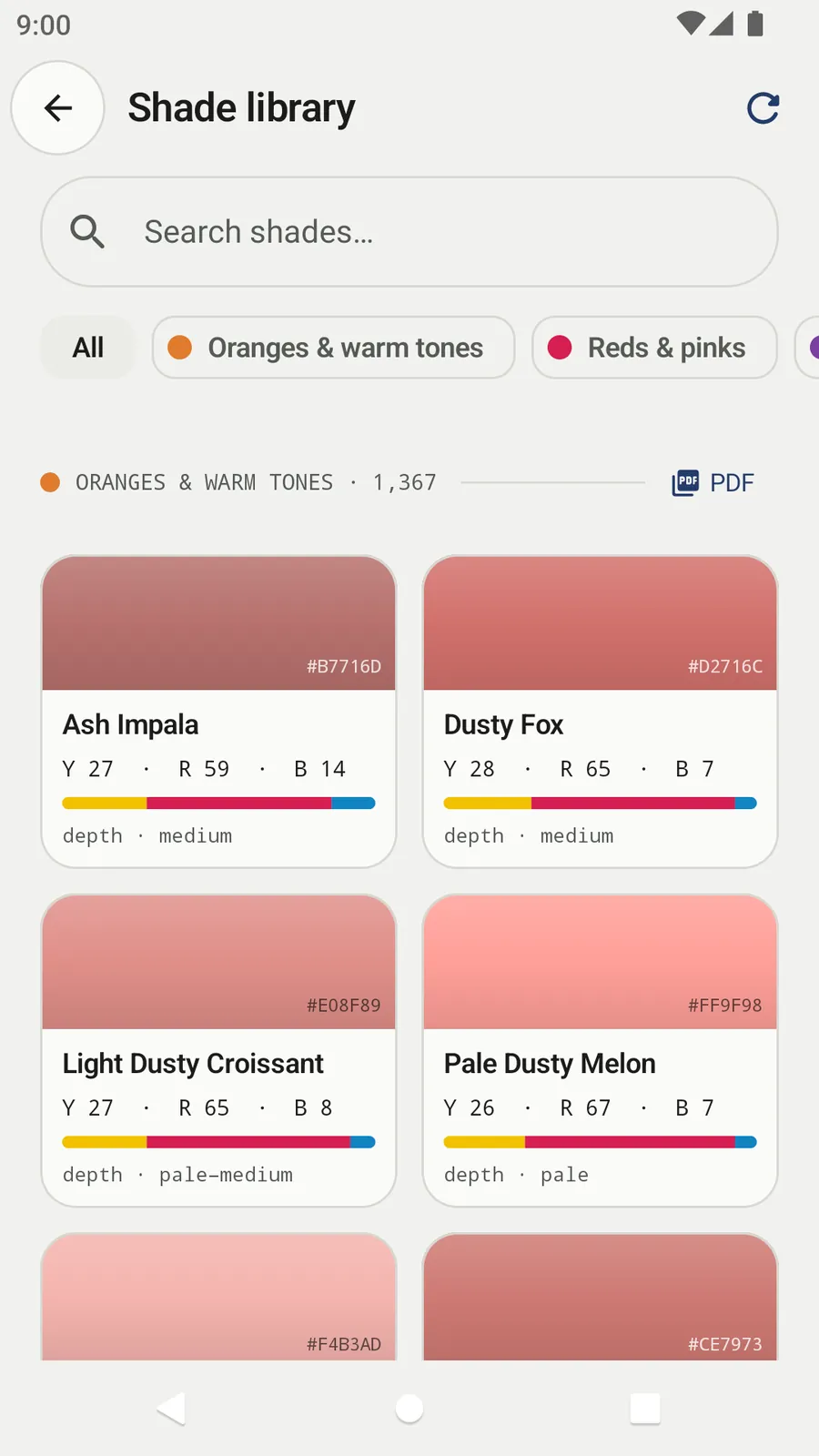
The footer reminds you how to read them: ratios set the hue · depth (% owf) is dialed separately · starting points, not lab-precise recipes.
Search by name
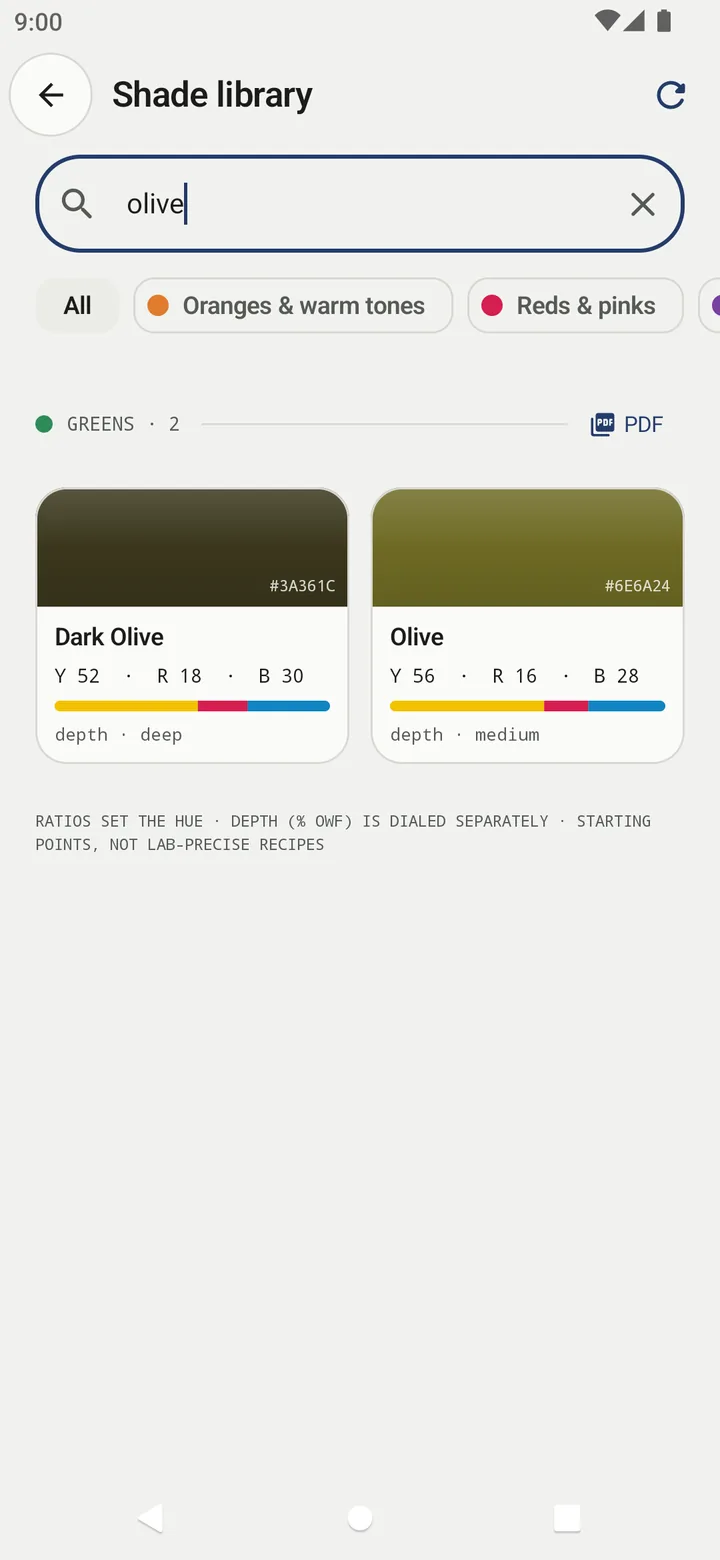
- Tap Search shades… and type part of a name, for example olive.
- Matching shades appear under their family heading with a count.
- Tap ✕ (Clear search) to see the whole library again.
Search matches anywhere in the name and ignores capitals. When the app is in Urdu and the library has updated online, you can also search the Urdu names of the curated shades.
Search by hex code
If you have a colour as a hex code – from a buyer's email or a design file – type it in the search box: six hex digits, with or without # (a code made only of letters, such as ABCDEF, needs the # so it is not read as a name). Shadecard then lists Fine grid · reference coordinates: the six nearest of 144,380 interpolated points, each with its hex, L*a*b*, ΔE00(2:1) and a derived family, Y:R:B ratio and % owf.
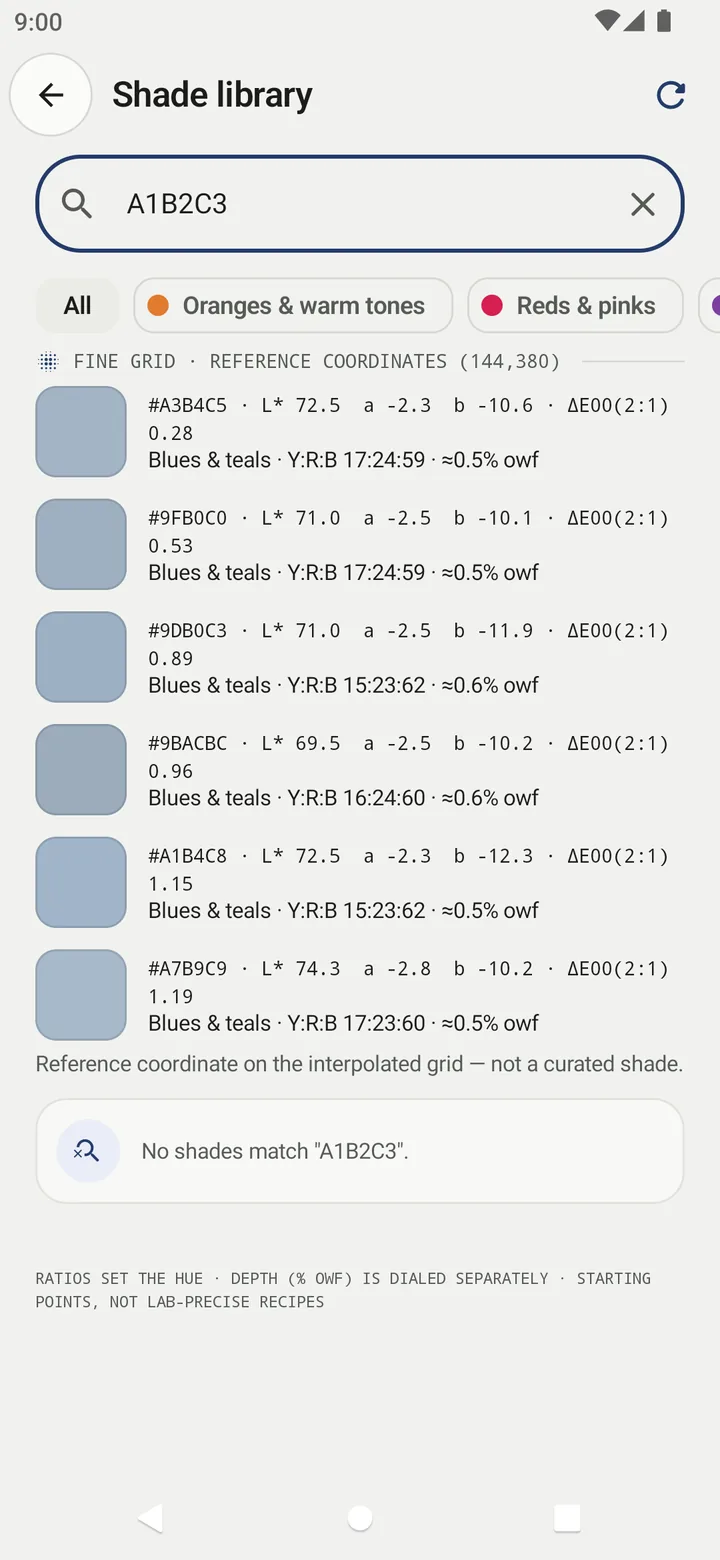
These grid points are reference coordinates, not curated shades – the app labels them that way. Their recipes are derived from the curated library around them. A hex code describes a screen colour, so treat the result as a neighbourhood to start from.
Open a shade
Tap any card to open the shade page. It shows:
- the swatch, family and a source badge (for example ILLUSTRATIVE SEED),
- hex and L* a* b* values,
- Standard color (ISCC-NBS) – the nearest of 267 standard colour names, with its ΔE,
- the Starting recipe and a suggested depth, for example depth · medium (suggest ~1.5% owf),
- Visually similar shades with Compare buttons,
- Open in recipe calculator.
Tap the ☆ at the top right to add the shade to Favourite shades in My workspace.
Print or share a shade card (PDF)
Each family heading has a PDF button. It builds an A4 shade card for the shades currently listed under that heading – 72 swatches per page with name and hex – and opens the share sheet so you can print it or send it on WhatsApp.
Keep the library up to date
The library ships inside the app and works offline. When online, the app checks for updates at launch. You can also tap the refresh icon at the top right; it reports Shade library is up to date or Library updated with the new count.
How the library is built
The families are Greens (3,168), Purples & violets (2,561), Browns & neutrals (2,239), Blues & teals (2,117), Reds & pinks (1,845) and Oranges & warm tones (1,367).
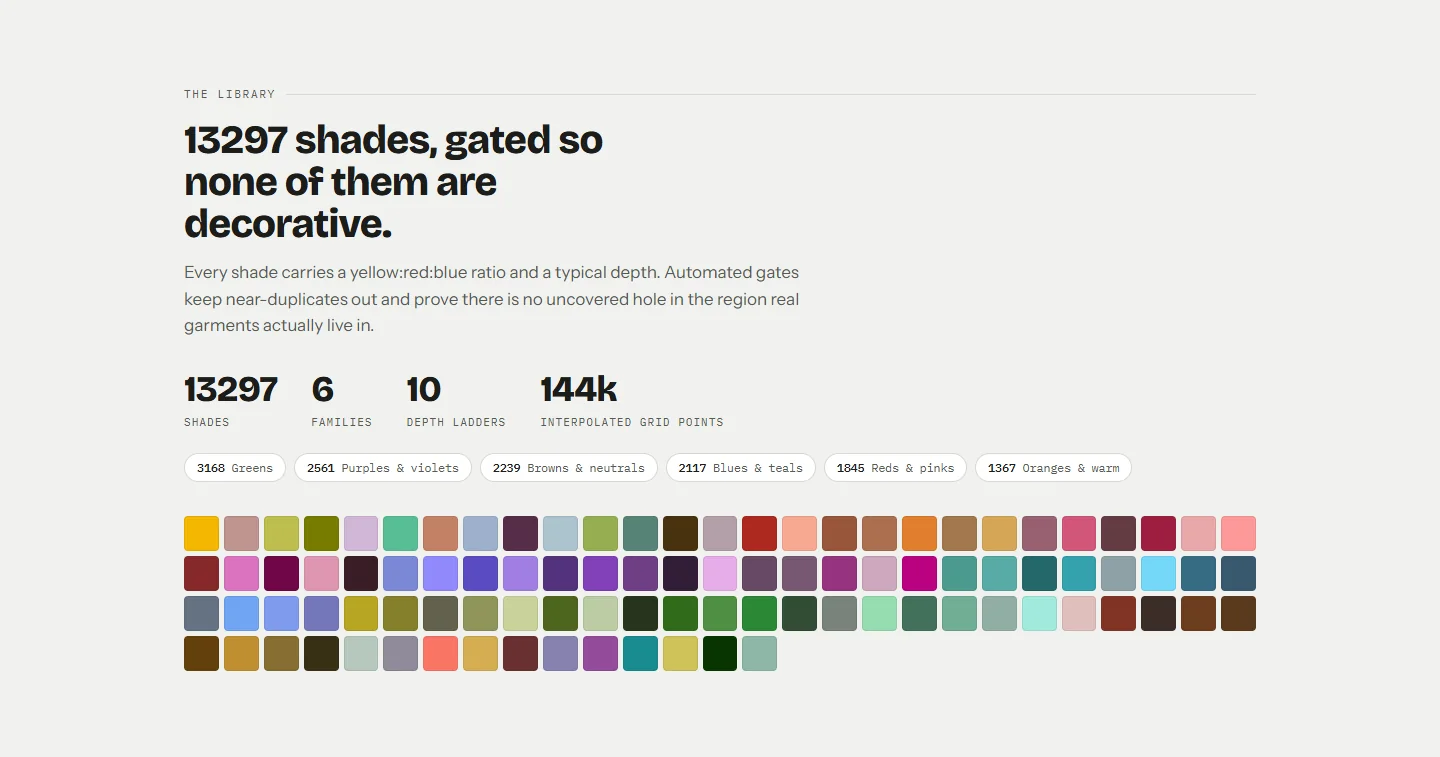
It combines 101 hand-curated shades with coverage-fill shades placed to close gaps. Automated checks keep every pair of shades at least 1.3 ΔE00 apart and leave no gap larger than 3 ΔE00 in the core garment colour region. Coverage-fill ratios are interpolated from nearby curated shades.
Related
Frequently asked questions
How many shades are in each family?
Greens 3,168, Purples & violets 2,561, Browns & neutrals 2,239, Blues & teals 2,117, Reds & pinks 1,845 and Oranges & warm tones 1,367, for 13,297 in total.
Can I search by hex code?
Yes. Type six hex digits (for example A1B2C3, or #A1B2C3). The app shows the six nearest reference points on its fine grid, each with a derived family, Y:R:B ratio and % owf.
Are the library colours measured from dyed fabric?
No. They are illustrative values. The shade page says so, and every ratio is a starting point for a lab dip.
Can I print a shade card?
Yes. Each family heading in the library has a PDF button that builds an A4 shade card, 72 swatches per page with name and hex, to print or share.
Was this article helpful?
Related articles
- Find and compare the nearest shades to your fabricEvery result lists the top match and two runners-up; tap one to swap. On any shade, the Visually similar list and Compare show the ΔE00 and ΔL*, Δa*, Δb*, ΔC* side by side.
- Read your result: L*a*b*, shot spread, ΔE00 match and depthThe result shows your fabric's L*a*b*, how well the three photos agreed (spread), how close the nearest shade is (ΔE00), a Y:R:B starting recipe and a depth in % owf.
- Find the nearest mosque and change the search radiusOn the website, tap Use my location and choose 5, 10, 15 or 25 km; results are sorted by distance and can be shown on a map. In the app, Find lists mosques within 15 km of you.
- Take your first fabric colour reading, step by stepTap Capture dress color, keep White paper selected, lay the paper in the small dashed box and fill the big box with flat fabric, then tap the shutter once and hold still.
Need a hand?
Email us what you see on screen — a screenshot helps — and we'll walk you through it.