Why Shadecard shows no recipe (family only, no close match, whites)
In short
No recipe appears when there was no reference card (family only), when no library shade is within ΔE 9, or when the fabric is white or optically brightened. Each has a fix.
On this page
Shadecard withholds a named shade and recipe in three situations: the capture had no reference card, no library shade is close enough (more than ΔE 9 away), or the fabric is white or optically brightened. In each case the result screen says why and shows what it can. The fix is usually a retake with white paper in the small box.
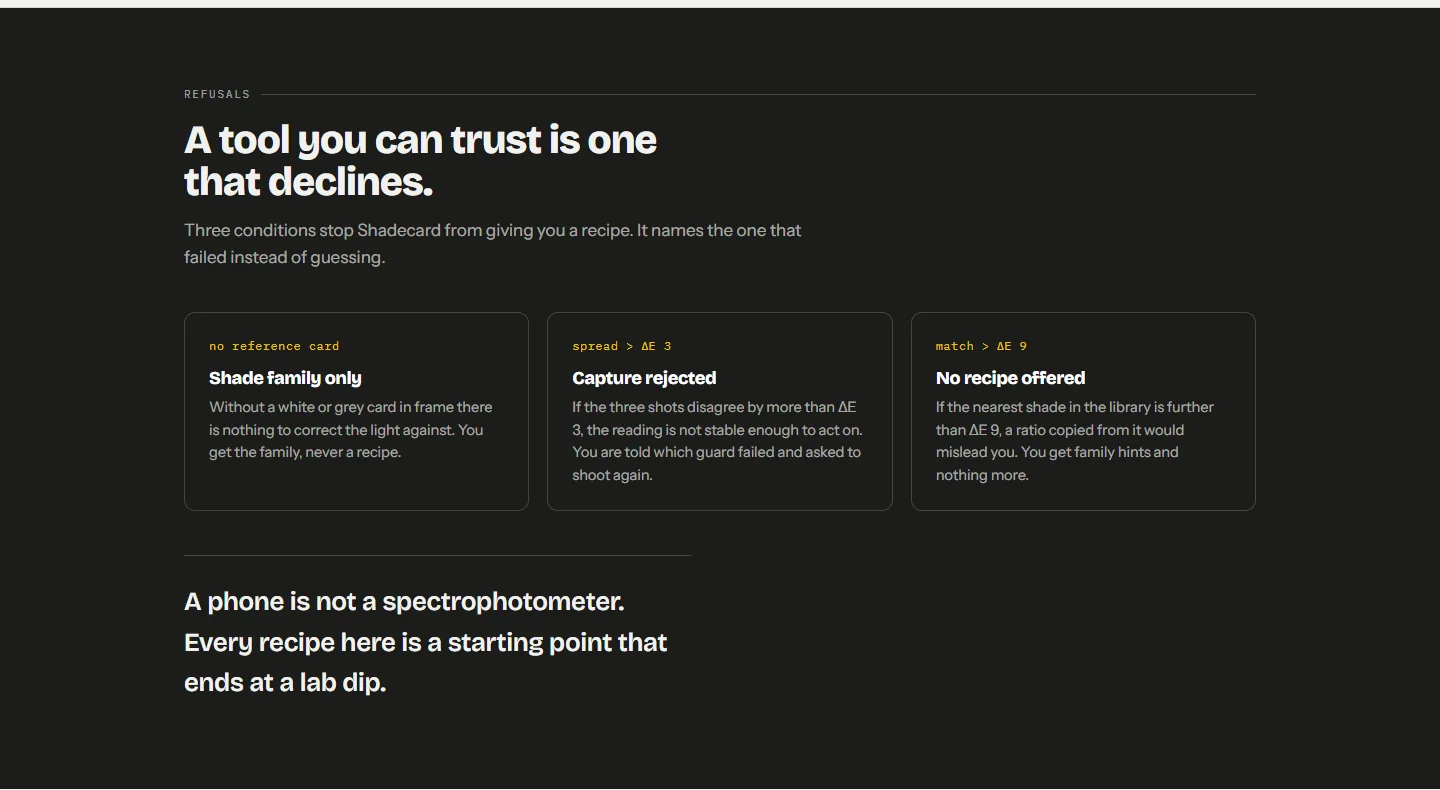
1. "Looks …" – no reference card
If No card was selected, the result is titled with the colour family, for example Looks greens, followed by:
Without a reference card the app can only name the color family — not an exact shade or recipe.
Below it you get Closest shades — as a hint and a WANT THE RECIPE? card. The camera guesses colours from the room's light, and without something of known colour in the frame that guess cannot be checked.
Fix: tap Retake with paper in the box, select White paper (or 18% grey card) and capture again with the paper in the small dashed box. See White paper, grey card or colour chart?.
2. "No close recipe for this color" – nothing within ΔE 9
When the nearest library shade is more than 9 ΔE00 away, naming it would be a guess. The result is titled No close recipe for this color and lists Nearest neighbourhoods as hints.
In most cases the app still offers an Interpolated starting recipe, badged INTERPOLATED · BETWEEN CURATED SHADES: it is derived from the curated shades around your fabric's exact colour, and the app asks you to treat it as a first lab dip, not a proven recipe. You can open it in the calculator and save the measurement as usual.
What helps:
- Retake first. A reading that is far from everything can be caused by coloured light, a card in shadow or a very shiny cloth.
- Check for fluorescence. Neon or very bright synthetic colours often sit outside what yellow, red and blue dyes can reach; if the result also shows Implausibly high chroma, treat any match as unreliable.
- If the colour is genuine, use the interpolated recipe as your first dip, then save the approved result as a custom shade so the app can match it next time.
Between ΔE 6 and 9: rough match
This is not a refusal. The shade is named and the recipe shown, with a ROUGH MATCH card: expect a correction round, and follow the Tuning tips. The result may also offer Also try: interpolated recipe and mark whichever is closer as Recommended start.
3. "White / brightened fabric"
If the fabric measures very light and bluish or colourless, the result is titled White / brightened fabric:
Whites aren't measurable with a phone: most carry optical brighteners that glow under UV light, which the camera can't account for — so no recipe is offered.
This is a limit of the method, not a bad capture. Whites and off-whites are specified with whiteness measurements on instruments with controlled UV. Tap Back to capture.
4. "No match available — please retake."
Rarely, a result comes back with no matches at all. Go back and capture again. Just after the app starts, the line under the shutter may read Loading the shade library… – the library is being prepared, and a capture waits for it.
Quick checklist
| You see | Most likely cause | Do this |
|---|---|---|
| Looks … (family only) | No card selected | Retake with White paper |
| No close recipe for this color | Unusual colour, or bad light | Retake; otherwise use the interpolated recipe as a first dip |
| White / brightened fabric | White or near-white cloth | Not measurable with a phone |
| ROUGH MATCH | Colour between library shades | Use the recipe and tuning tips; expect a correction |
Related
Frequently asked questions
I used No card. Can I get the recipe without retaking?
No. Without a reference the colour is the camera's unverified guess, so the app only names the family. Tap Retake with paper in the box and capture again.
Why can't Shadecard measure white fabric?
Most whites contain optical brighteners that glow under the UV in daylight. A phone camera under unknown light cannot account for that, so no recipe is offered.
What is an interpolated starting recipe?
When no curated shade is close enough to name, the app derives a recipe from the curated shades around your exact colour. It is badged as interpolated and should be treated as a first lab dip.
Does a family-only or no-match result use a scan?
Yes. Any fresh capture that produces a result screen counts as a scan; only rejected captures do not.
Was this article helpful?
Related articles
- Couldn't get a clean reading: fix a rejected captureA rejection names the guard that failed: photos that disagree, persistent glare, an overexposed card or an unreadable chart. Fix that one thing and tap Retake; no scan is used.
- Why two phones read the same fabric differentlyEach phone's sensor and image processing see colour differently. Shadecard corrects with a reference card and locked exposure, but small differences remain: measure a job on one phone.
- White paper, grey card or colour chart? Choosing a referenceWhite paper is the everyday reference and unlocks shade plus recipe. An 18% grey card is more reliable. A 24-patch colour chart gives full colour correction. No card: family only.
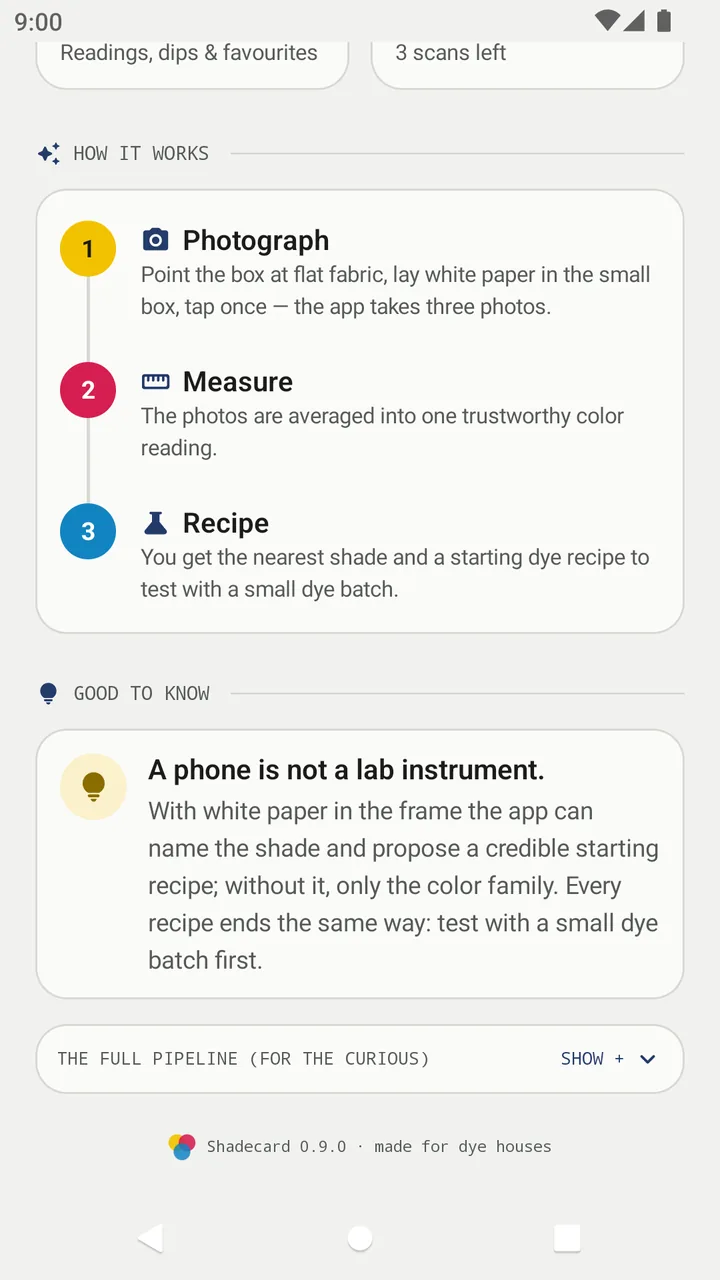
- Take your first fabric colour reading, step by stepTap Capture dress color, keep White paper selected, lay the paper in the small dashed box and fill the big box with flat fabric, then tap the shutter once and hold still.
Need a hand?
Email us what you see on screen — a screenshot helps — and we'll walk you through it.