Praying on the go: how to find a congregation when you're travelling
Save the mosques at your destination while you're online. On the road, use Pray Now to see which nearby congregation you can reach, and the Qibla finder if not.
On this page
To pray in congregation while you travel, plan in two stages. Before you leave, while you still have Wi-Fi, look up and save the mosques at your destination so their timetables are on your phone. On the road, share your location and use Pray Now to see which nearby congregation you can still reach, and how far away it is. When there's no mosque nearby, the Qibla finder and calculated times let you pray on your own at the right time and in the right direction.
Before you set off
Look up your destination. Search Salah Locator by city or area, or browse by country, and open the mosques near where you'll stay or work. Opening a mosque saves its page on your phone for up to 30 days, so you can read it later without a connection.
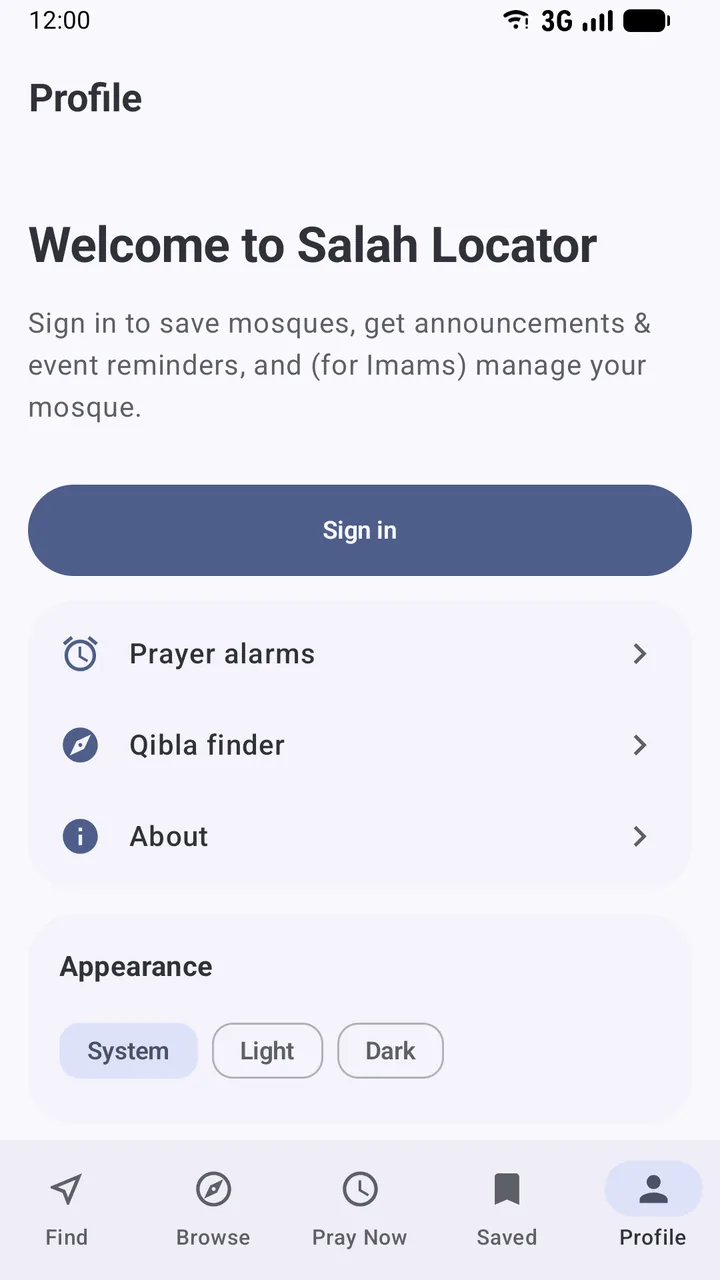
Save the ones you'll use. With a free account, tap the bookmark (in the app) or the star (on the website). They'll be waiting under Saved, and you'll see any announcements they post, such as a change to the Jumuʼah time.
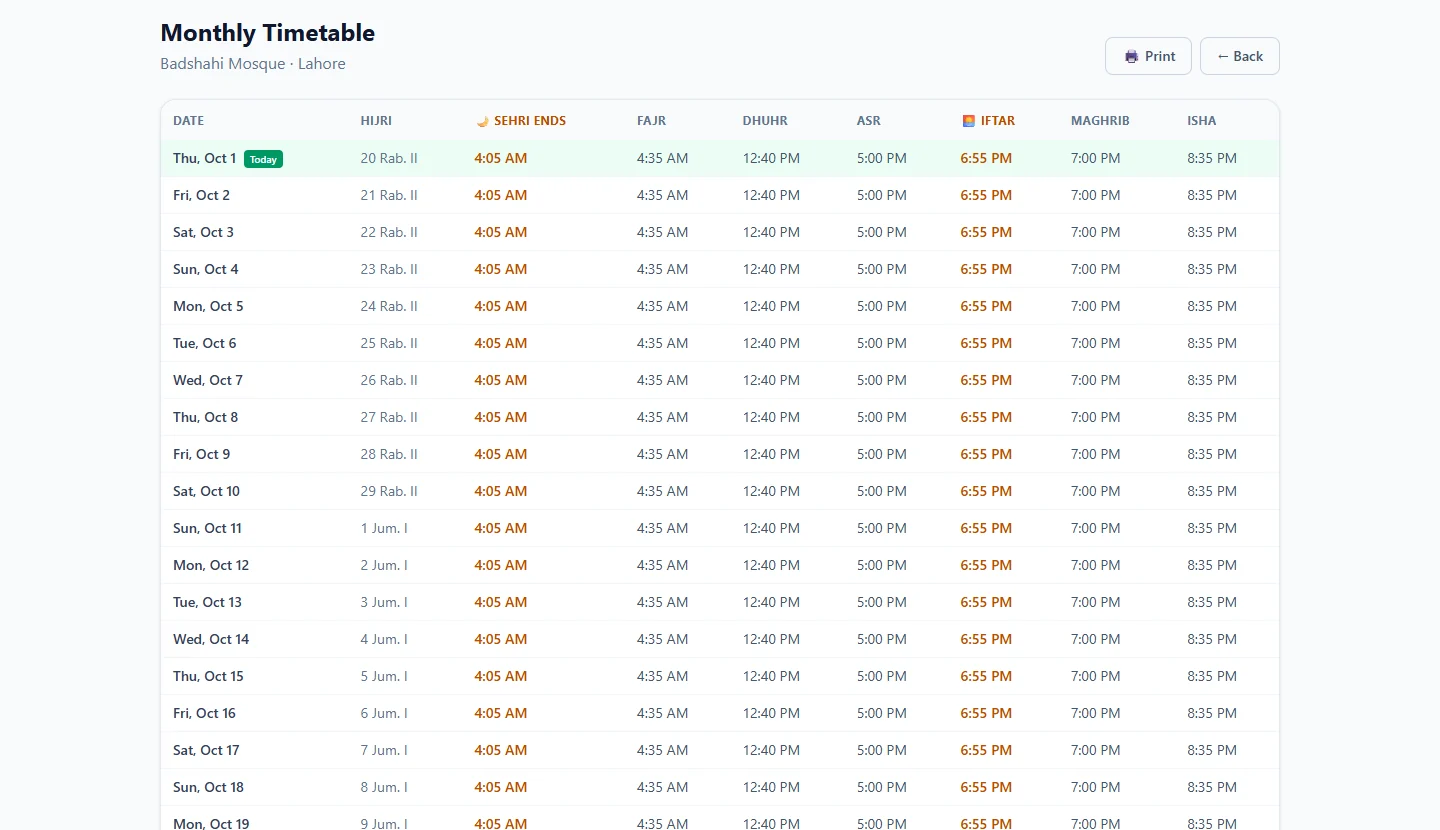
Check where the times come from. A timetable marked Published by the mosque. was entered by the mosque. Provisional means it came from public information and hasn't been confirmed, so allow a margin. If the app shows Estimated times — not from this mosque, the mosque hasn't published a timetable and you're seeing calculated Adhan times only.
Check the facilities. On Browse, filter for Parking, Wudu area, Women's section or Wheelchair access, depending on what you need.
Set reminders. Reminders in the app follow a specific mosque's timetable and ring without a connection. You can tie each prayer to a different mosque, such as Fajr near your hotel and Dhuhr near the conference centre. See Set up prayer reminders.
Time zones: nothing to convert
Every mosque in Salah Locator carries its own time zone, and its times are shown in that zone. A mosque in Istanbul shows its real local Iqamah, whatever time your phone thinks it is at home. The website even tells you which zone it's using, for example Times shown in Europe/Istanbul. When you land, just read the times as they are.
On the road: catch the next congregation
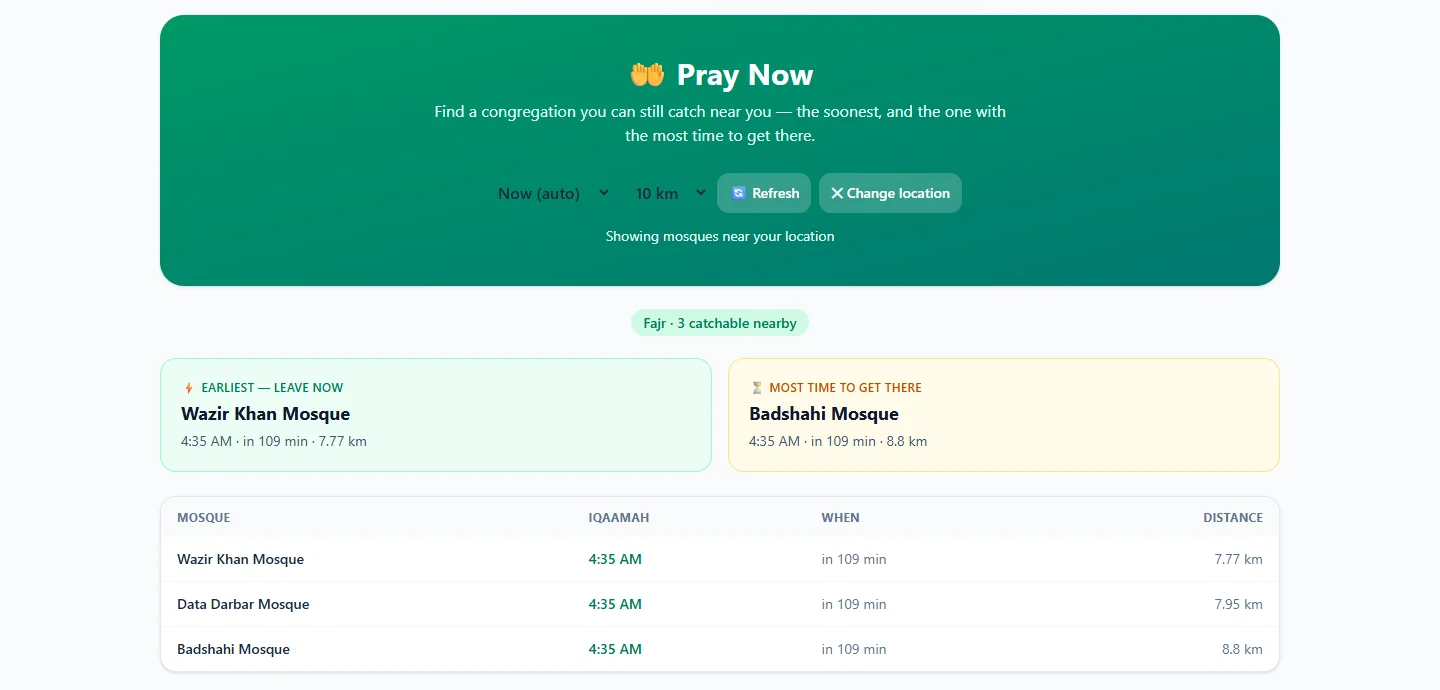
Pray Now answers the traveller's question: which congregation can I still catch?
- Open Pray Now in the app or on the website.
- Share your location.
- It picks the current prayer and lists nearby mosques whose Iqamah hasn't started yet, soonest first, with the distance and minutes left.
- On the website, the Earliest — leave now card shows the first congregation; Most time to get there shows the latest one still ahead, useful when you're stuck in traffic. You can widen the search to 25 km.
Tap a mosque, then Directions, to open it in your maps app. If the mosque has a phone number, Call it before a long detour, particularly for Fajr and Isha, when some mosques are only open around the prayer.
Pray Now only counts mosques that have published an Iqamah time, and on a Friday it follows Dhuhr rather than Jumuʼah, so check the Jumuʼah row on the mosque's page for Friday prayer. More detail is in Use Pray Now to catch a congregation.
Visiting a mosque you don't know
- Check the listing for facilities before you go out of your way, especially a women's section or step-free access.
- Arrive a few minutes before the Iqamah so you can find the wudu area and a place in the rows without rushing.
- Expect local differences. The gap between Adhan and Iqamah, the length of the recitation and the language of the talk all vary between communities. Follow the imam.
- Leave it better than you found it. If a time on the listing turned out to be wrong, report it from the mosque's menu in the app so the next traveller gets it right.
Motorways, airports and stations
Salah Locator is a directory of mosques, not prayer rooms, so an airport multi-faith room or a motorway service station's prayer room usually won't appear in it. Ask at the information desk, or look for signs. If you're driving, a mosque a short way off the motorway can be a better stop than you'd expect: use Find or the website's Map view to see what's near your route.
When there's no mosque nearby
Sometimes you'll be too far from a mosque, or the timing just won't work. Then you pray where you are.
- Know when the time begins. For a mosque without a published timetable, the app calculates Adhan times from its location. Choose the calculation method and Asr school that match your own practice under Profile.
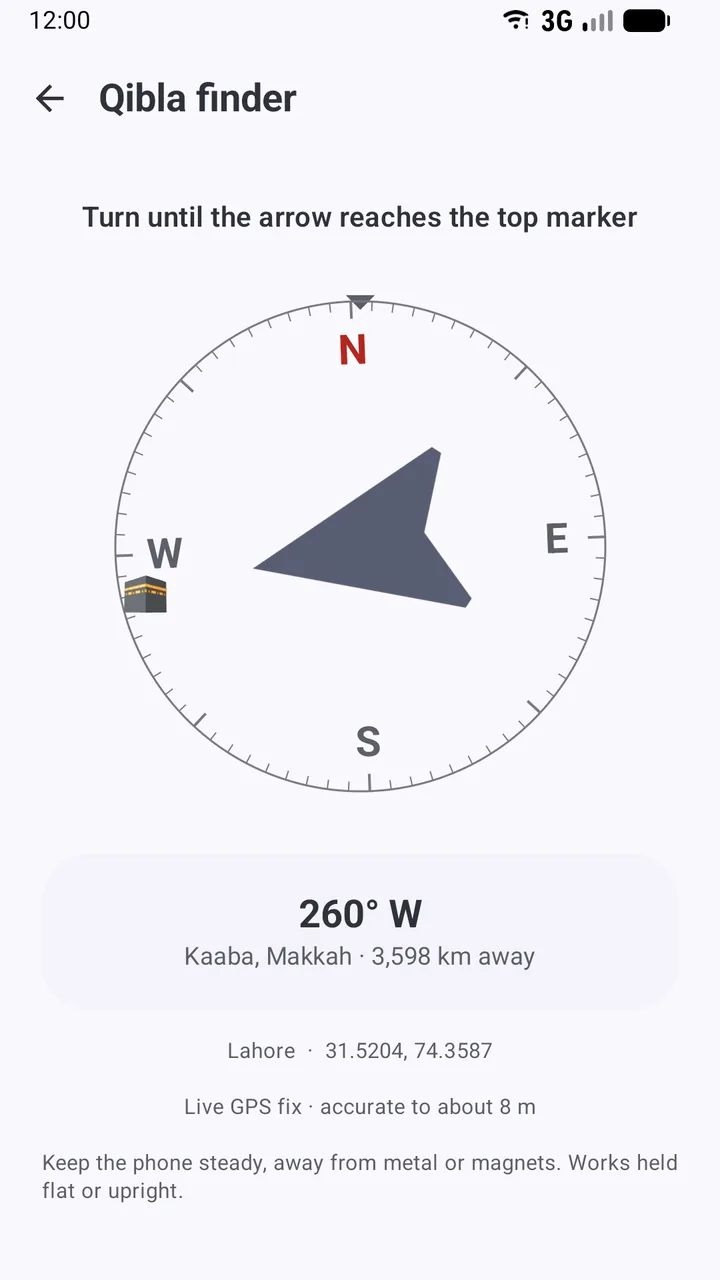
- Face the Qibla. Open the Qibla finder from the compass icon on Find. It uses GPS and the compass, so it works without data. Calibrate by moving the phone in a figure-8 if it asks. How to find the Qibla with your phone has tips for tricky spots.
Islamic law has concessions for travellers, such as shortening and combining certain prayers, and the schools of thought differ on when and how they apply. If you're unsure, ask a scholar you trust before you travel.
Weak signal, roaming and flights
- Mosques you opened before leaving stay readable offline, with an Offline — showing saved data banner.
- Reminders are scheduled on the phone and ring in airplane mode.
- The Qibla finder works from GPS, which doesn't need mobile data.
- Pray Now, new searches and saving mosques need a connection.
What works offline has the full list.
A traveller's checklist
- Open and save the mosques at your destination while on Wi-Fi.
- Check each timetable's source note, and allow a margin for provisional times.
- Set reminders for the prayers you plan to attend.
- Calibrate the Qibla finder once before you go.
- On the day, use Pray Now to pick a congregation, then Directions to get there.
Travelling is when a congregation feels most welcome. A few minutes of planning makes it far more likely you'll find one.
Frequently asked questions
How do I find a mosque near me when I'm travelling?
Open Salah Locator and share your location: the website lists mosques within a radius you choose, and the app's Find tab lists those within 15 km. Pray Now shows which congregations nearby you can still reach.
Will prayer times be shown in the local time?
Yes. Every mosque's times are shown in that mosque's own time zone, so what you see is the local time at the mosque, not your home time.
What if there's no mosque nearby?
Pray on your own when the time comes. Use the Qibla finder to face Makkah, and calculated times in the app to know when each prayer's time begins.
Can I use Salah Locator without data roaming?
Partly. Mosques you opened before you left stay readable for up to 30 days, reminders ring without a connection, and the Qibla finder uses GPS. Pray Now and new searches need data.
Was this post helpful?