Topic
#imams
Articles about imams from the Abdohoo.App Solutions blog and help centre.

Salah Locator 1.2: add your mosque and see where times come from
Salah Locator 1.2 lets anyone add the mosque they attend, lets worshippers report a wrong prayer time for the mosque to confirm, and labels every timetable with where its times came from.
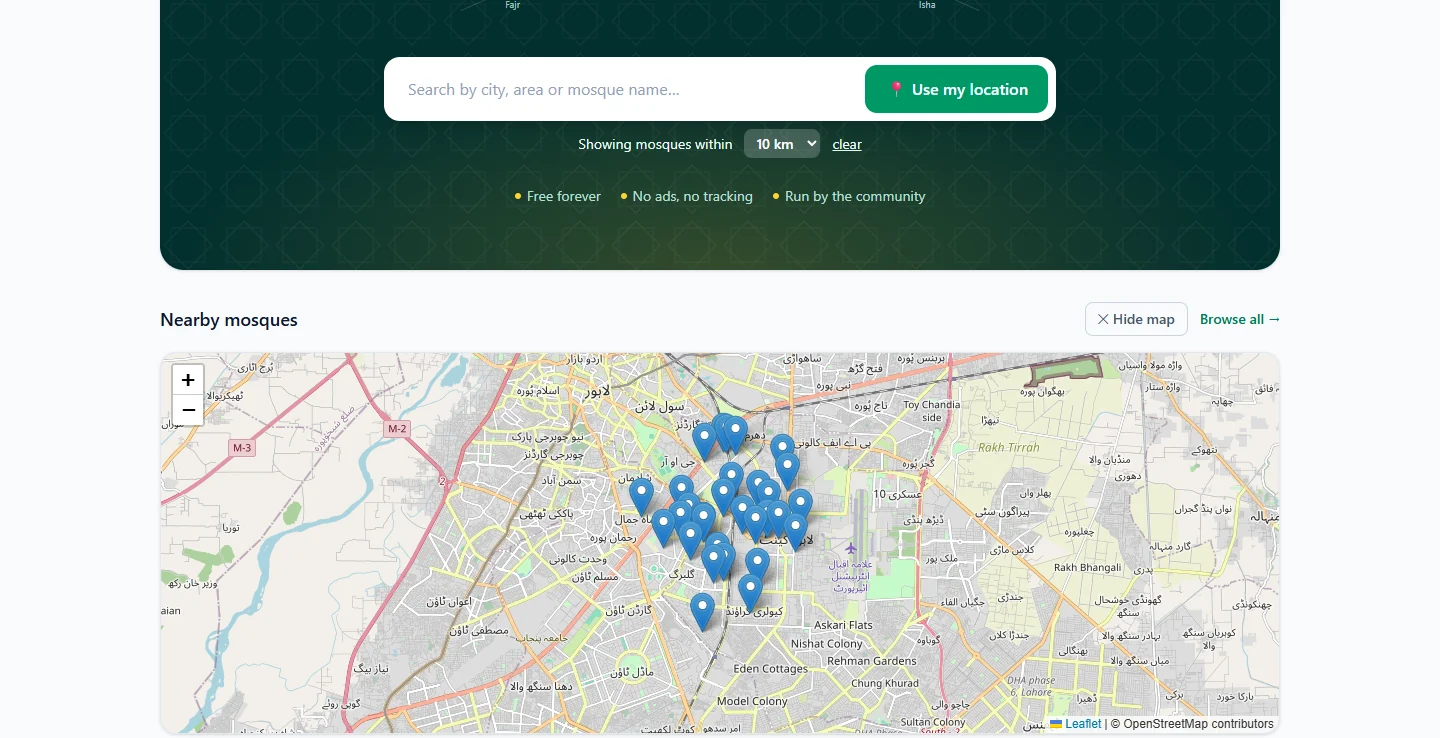
Putting your mosque's prayer times online: a guide for committees
Publish both Adhan and Iqamah for every prayer and Jumuʼah, name two people to keep them current, update them the day they change, and re-confirm them every few months so worshippers can trust them.
Taraweeh in Samee: rak'ahs, sajdah, qunoot and imams taking turns
Samee expects Taraweeh: a silent basmalah isn't a missed word, each rak'ah's Al-Fatiha is recognised, the sajdah and qunoot are labelled, and imams are told apart by voice.
Update your mosque's prayer timings, Ramadan and Eid times
Open Manage Mosque → Prayer Timings on the website, or My mosques → your mosque → Prayer timings in the app, enter Adhan and Iqaamah for each prayer and Jumuʼah, and save. Changes show at once.
Post announcements, events and live streams for your mosque
In Manage Mosque, open Announcements, Events or Live Streams, tap + New, fill in the form and save. A new announcement or event that is published straight away notifies everyone who saved your mosque.
Add your mosque to Salah Locator or claim an existing listing
Create an ordinary account, then choose Register a mosque in the app or on your web dashboard. If the mosque is already listed with no administrator, claim it in the app instead of adding a duplicate.