Topic
#taraweeh
Articles about taraweeh from the Abdohoo.App Solutions blog and help centre.
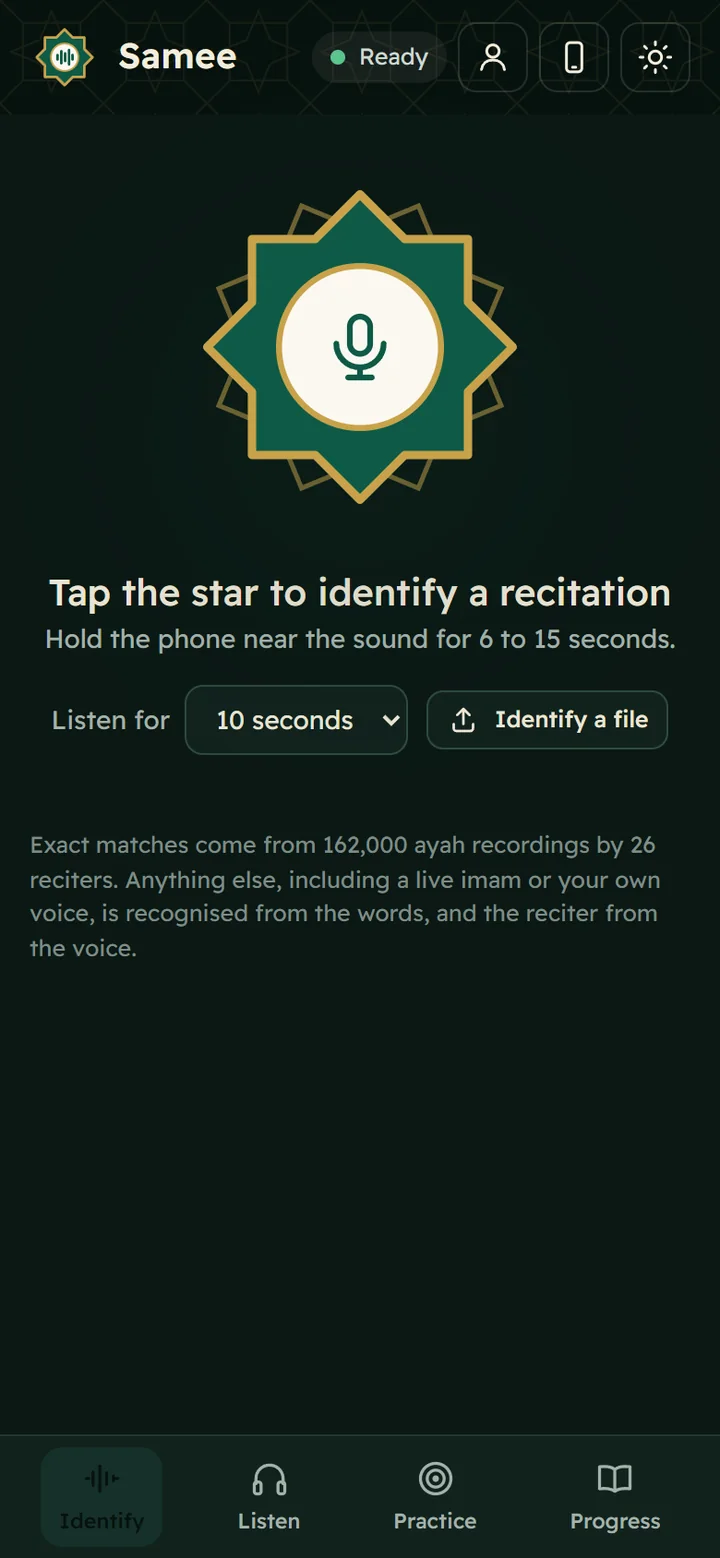
Introducing Samee: a listener for Quran recitation
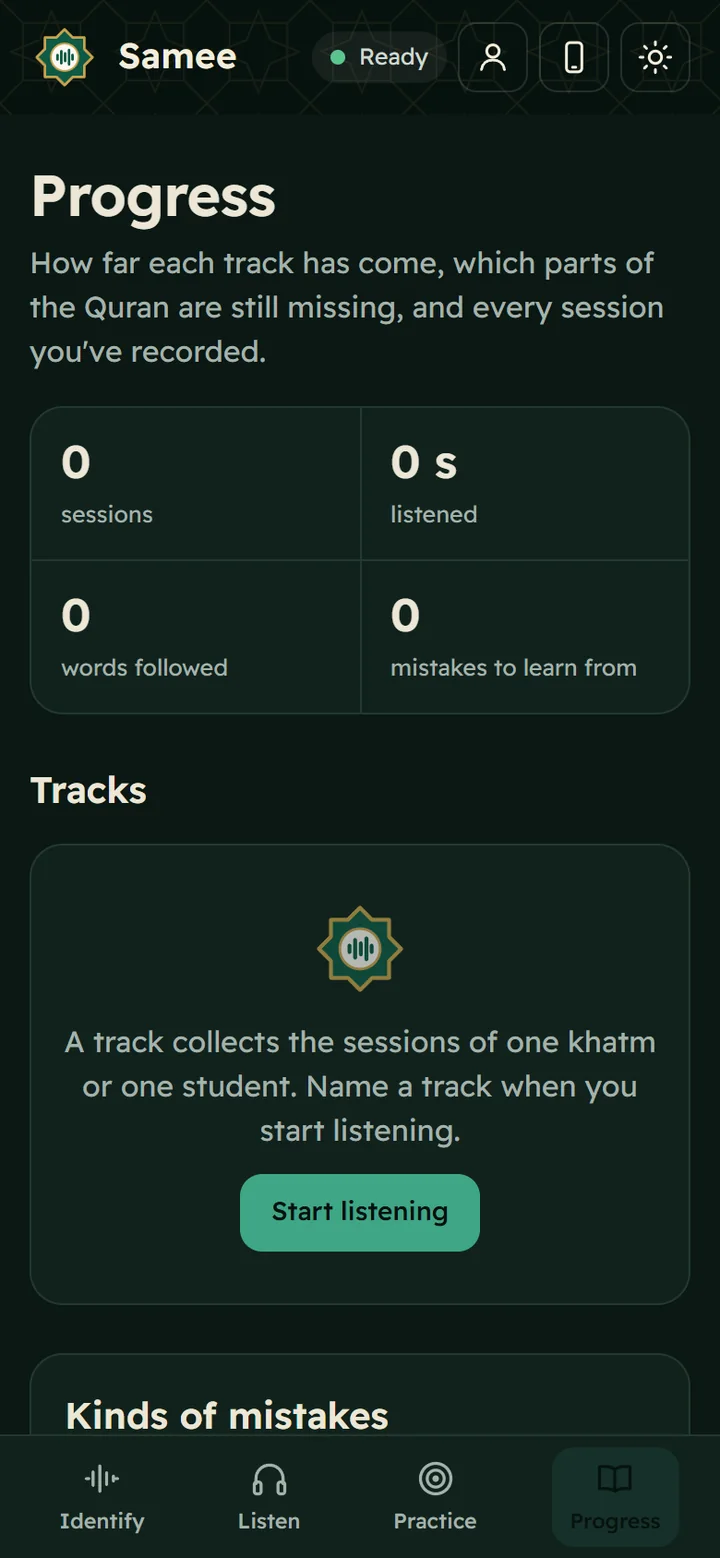
Samee (سامع, "the one who listens") identifies a Quran recitation, follows an imam or student word by word to mark mistakes, tracks a khatm and helps you practise. It runs in your browser, no sign-up.
Following Taraweeh: the mushaf, correcting the imam and a listener
A hafiz behind the imam can prompt him when he errs. Holding a mushaf in prayer is debated between the schools. A listener app is best used by someone not praying, or to review afterwards.
How to complete a khatm of the Quran in Ramadan: a realistic plan
The 604-page mushaf has 30 juz, so one khatm in Ramadan is about one juz, or 20 pages, a day. Four pages after each of the five prayers does it. Plan for 29 days and keep a catch-up slot.
Taraweeh in Samee: rak'ahs, sajdah, qunoot and imams taking turns
Samee expects Taraweeh: a silent basmalah isn't a missed word, each rak'ah's Al-Fatiha is recognised, the sajdah and qunoot are labelled, and imams are told apart by voice.
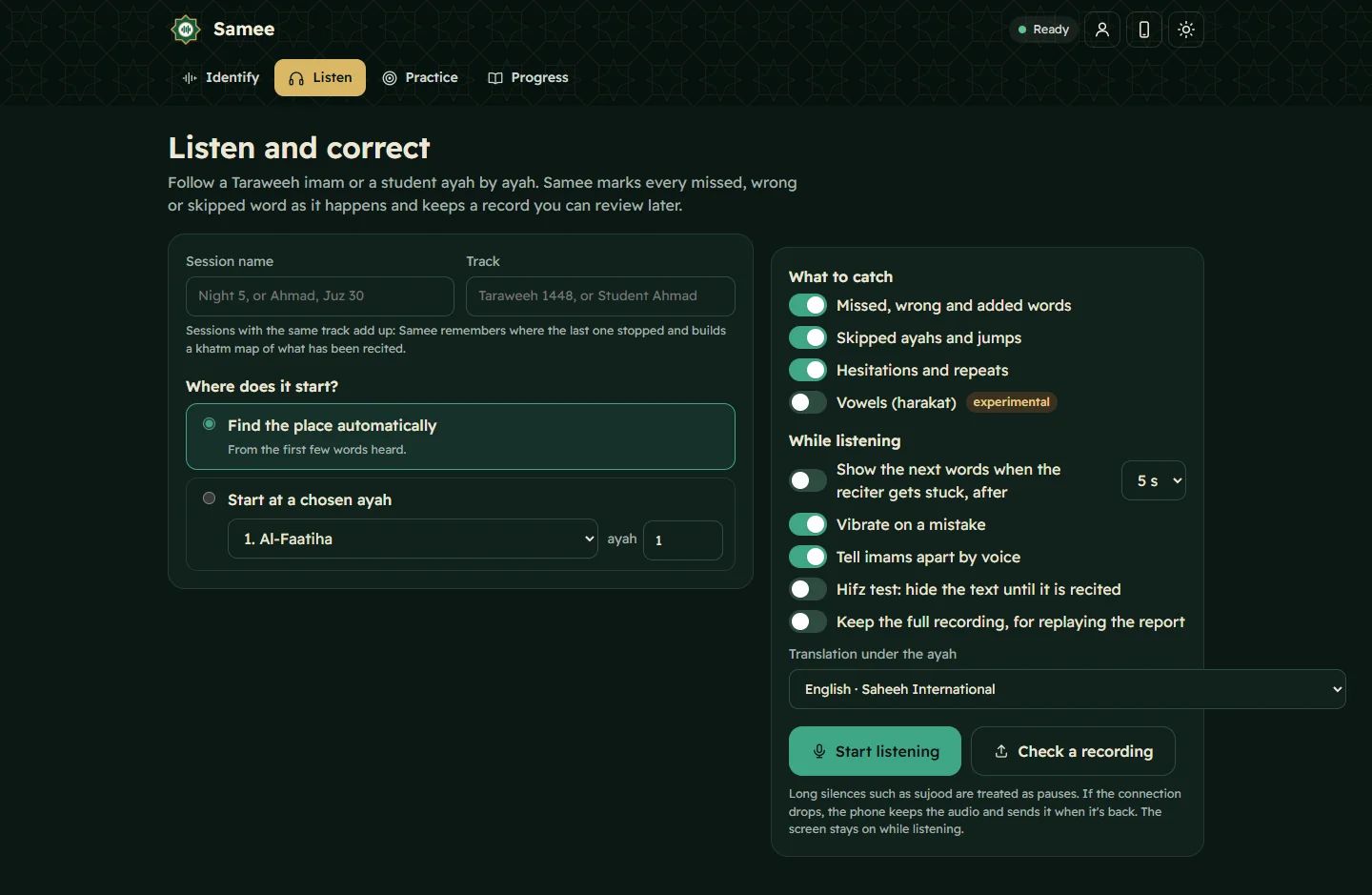
Show the next words when a reciter gets stuck (talqeen)
Turn on Show the next words when the reciter gets stuck and pick 3, 5 or 8 seconds. When the reciter goes quiet mid-ayah, Samee shows the next few words on screen so you can prompt them.
Follow a Taraweeh imam or a student live, word by word
On Listen, name the session and its track, choose where it starts and tap Start listening. Samee finds the place, follows each word and lists missed, wrong and skipped words as they happen.