How Quran teachers can track a student's hifz progress
Keep one record per student: what's memorised, what was recited each lesson, where the mistakes are, and when each part was last revised. A register works; a listener app adds clips and a khatm map.
On this page
To track a student's hifz, keep one record per student and update it at every lesson: the new portion and whether it was passed, the revision recited, where the mistakes and prompts were, and what has been memorised in total. A paper register does the job and has done for generations. A listener app adds what paper can't: a clip of every mistake, a list of each student's weakest ayahs, and a map of the mushaf showing what's been recited.
What to record at each lesson
Whatever system you use, the same questions matter:
- New lesson (sabaq): which lines or pages, and was it passed?
- Recent revision (sabqi): which portion, and how well?
- Older revision (manzil): which juz, and how well?
- Mistakes: where exactly, and what kind: missed or changed words, jumps to a similar passage, hesitations.
- Prompts: how many times you had to give the next word.
- A note: effort, tajwid points to work on, anything to tell the parents.
The point of a record is to answer three questions at a glance: How much does this student know? How solid is it? What should they revise next?
The paper register
Many madrasas keep a register per student, or a class register with a line per student per day. It's fast, needs no device and stays in the classroom. Its limits show over months: mistakes are noted without the audio, patterns across lessons are hard to see, and a lost register is lost history.
A simple layout that works:
| Date | Sabaq | Pass? | Sabqi | Manzil | Mistakes (ayah) | Prompts | Note |
|---|---|---|---|---|---|---|---|
| 3 Oct | 18:1–10 | yes | 17:85–111 | Juz 1 | 17:94, 17:101 | 2 | ghunnah in 18:6 |
Using a listener app
A listener app follows the student's recitation word by word and writes the record as they recite. Here is how a teacher can set it up in Samee.
One track per student
A track in Samee collects the sessions of one khatm or one student.
- Open Listen.
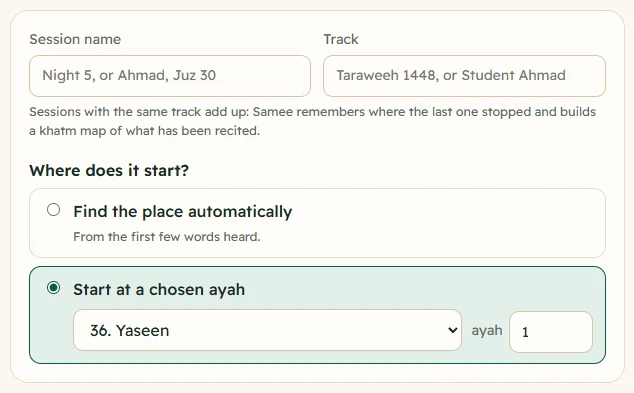
- In Track, type the student's name, for example Student Ahmad. Samee suggests existing tracks as you type.
- In Session name, note the lesson, for example Sabaq 18:1–10.
- Under Where does it start?, choose Start at a chosen ayah, or let the track continue from where the student's last session stopped.
- Switch on Hifz test: hide the text until it is recited if you are following on the same screen, so the text doesn't help the student.
- Choose Show the next words when the reciter gets stuck, after 8 s if you'd like a prompt ready, and let the student try to recall first.
- Tap Start listening, then Stop and save when they finish.
Review after the lesson
Each session has a report: the range recited, how long it took, and every finding grouped by ayah, with a few seconds of audio. Go through them with the student if there's time:
- Confirm the real mistakes; Dismiss anything Samee misheard. Dismissed findings leave the statistics.
- Add a note to a finding, for example ghunnah, or write Notes for this session for the whole lesson.
- Print or save as PDF for the parents, or download a Spreadsheet to keep in your own files.
See review a session report for every option.
Weak ayahs and the khatm map
Over weeks, the track builds a picture:
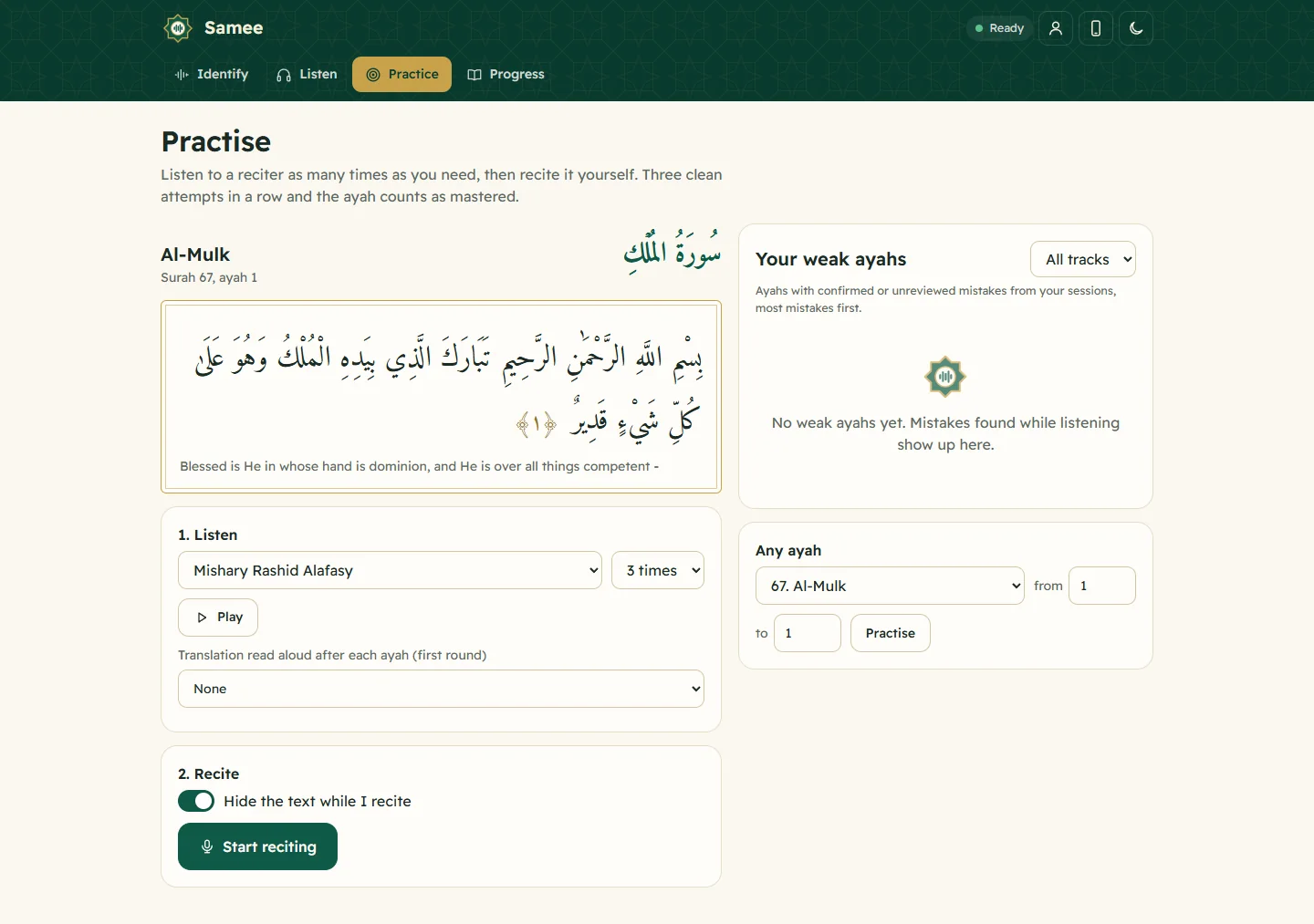
- Practice → Your weak ayahs, filtered by the student's track, lists the ayahs with the most mistakes. Those are the next revision targets.
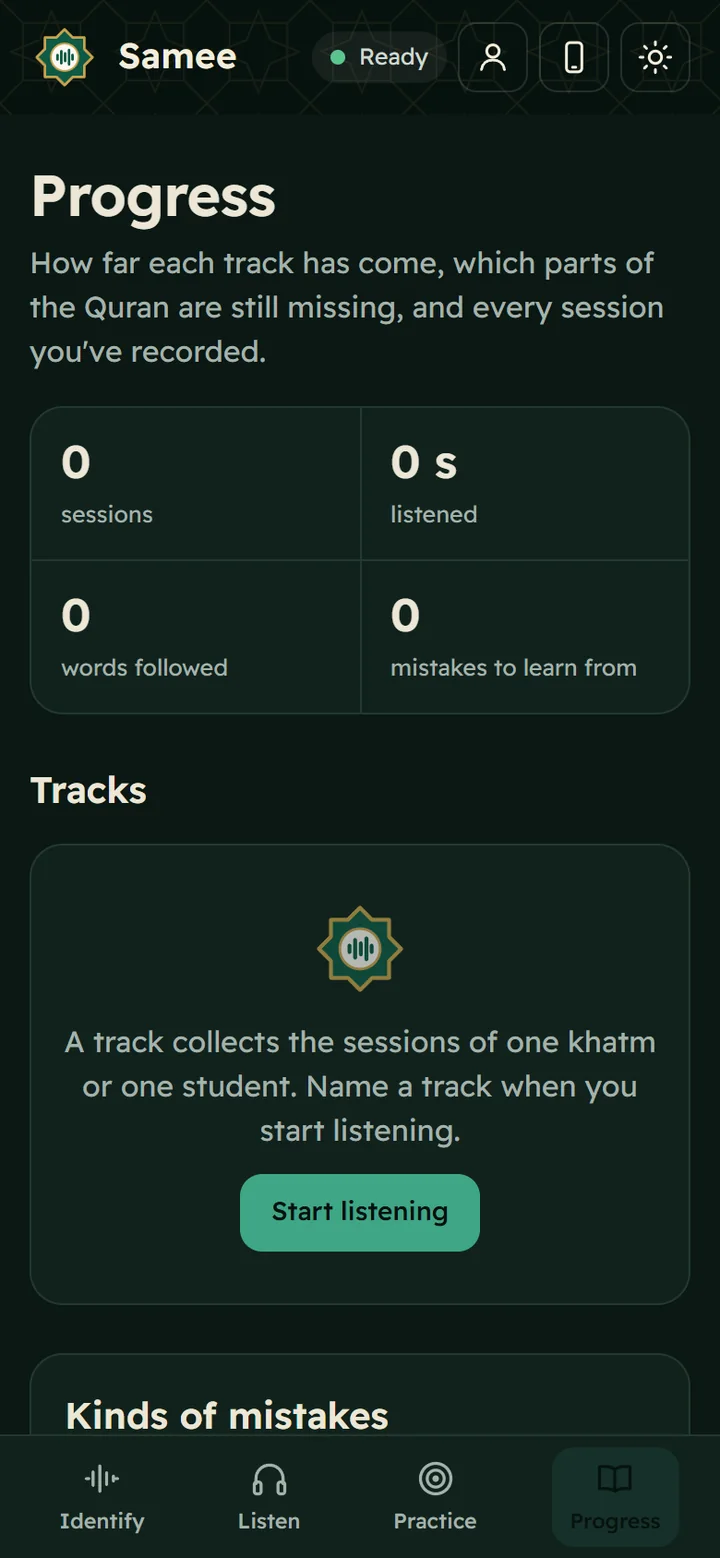
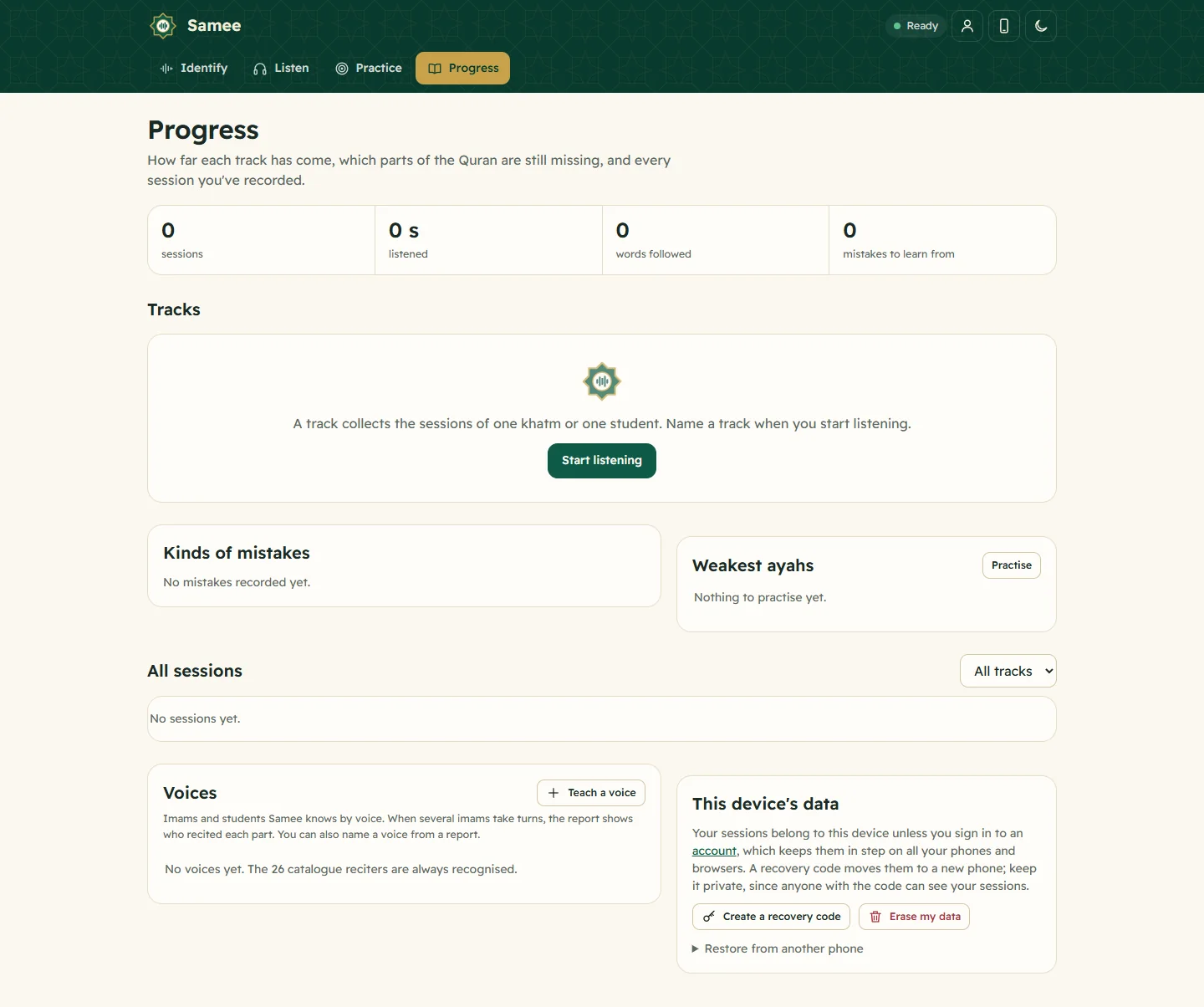
- Progress → Tracks shows each student's percentage of the Quran recited, where they continue, and the gaps.
- The khatm map shows the mushaf juz by juz, one square per page, and lists each session as a night, with what it added and how many mistakes it had.
That's the "how solid is it?" question answered with evidence. More on the map in tracks and the khatm map.
Group revision and voices
In a halaqa where students take turns reciting, Samee can tell voices apart. Under Progress → Voices, Teach a voice for each student with at least 10 seconds of their recitation. With Tell imams apart by voice on, the report then shows who recited each part, and each mistake is labelled with the student's name. All of it is saved in the session's track, so for per-student records, individual sessions are tidier.
What the app can't do for you
- Tajwid. Samee checks words and, experimentally, short vowels and shadda. It doesn't judge madd, ghunnah, makharij or stops. Those remain the teacher's ear.
- Judgement. It marks a hesitation, but you know whether the student was nervous or didn't know the passage.
- Pass or fail. In Practice, three clean attempts mark an ayah mastered; your standard for passing a sabaq is yours to set.
Some findings will be wrong, especially in a noisy classroom, which is why each has a clip. Seat the student near the phone, away from the rest of the class.
Privacy and consent
You are recording students, often children. Follow your school's policy, and agree it with parents. In Samee:
- the full recording is kept only if you switch on Keep the full recording; otherwise only short clips around findings are stored;
- reports are visible only on your own devices, or every device signed in to your account;
- you can delete a session from its report, or erase everything.
Details: privacy and what Samee stores.
A routine that works
- Before class: open each student's track so it continues where they left off.
- During the lesson: record the sabaq and sabqi as separate sessions.
- After class: review the reports, confirm or dismiss, add notes.
- Weekly: look at each student's weak ayahs and set them as revision; check the khatm map for gaps.
For students revising at home, the guide how to test your Quran memorisation explains how they can test themselves between lessons.
Frequently asked questions
What should a hifz teacher record for each student?
For each lesson: the new portion (sabaq) and whether it was passed, the recent portion and the older revision recited, the mistakes and where they were, how many prompts were needed, and a short note. Over time, add what has been memorised in total.
Can one teacher's phone keep records for many students?
Yes. In Samee, give each student their own track. Each track has its own sessions, bookmark, khatm map and list of weak ayahs.
Can parents see the reports?
Reports are private to the teacher's devices. Print a report to PDF, or export a spreadsheet, and share it with parents as you see fit.
Do I need permission to record students?
Follow your school's policy, and get parents' agreement for children. In Samee, the full recording is kept only if you switch it on; otherwise only short clips around mistakes are stored.
Was this post helpful?