Privacy: what Samee stores, and how to delete it
In short
Samee keeps your sessions, findings with short audio clips, tracks and practice, linked to an anonymous key or your account. Identify audio is discarded. Delete a session, or erase everything.
On this page
Samee keeps what it needs to show you your sessions and nothing about who you are. Without an account it knows your browser only by a random key; with one, by a username and a password stored as a secure hash. It keeps your sessions, the mistakes found and a few seconds of audio around each, your tracks and practice, and the full recording only when you ask. Audio sent to identify a recitation is analysed and discarded. You can delete a single session, or everything, at any time.
What happens to your audio
| What you do | What Samee keeps |
|---|---|
| Identify a recitation, by sound or file | Nothing on the server: the audio is analysed, then discarded. The Recently identified list stays in your browser. |
| Listen to a reciter | A few seconds of audio around each finding, for Play in the report. |
| Listen with Keep the full recording on | The whole recording, for replaying the report. |
| Check a recording (upload) | The uploaded recording and its findings. |
| Practice | Your attempt and its findings, saved as a practice session. |
| Teach a voice or Name this voice | Numbers that describe the voice, not a recording of it. |
Only the microphone is used, and only while you identify, listen or practise. See allow the microphone.
What else is stored
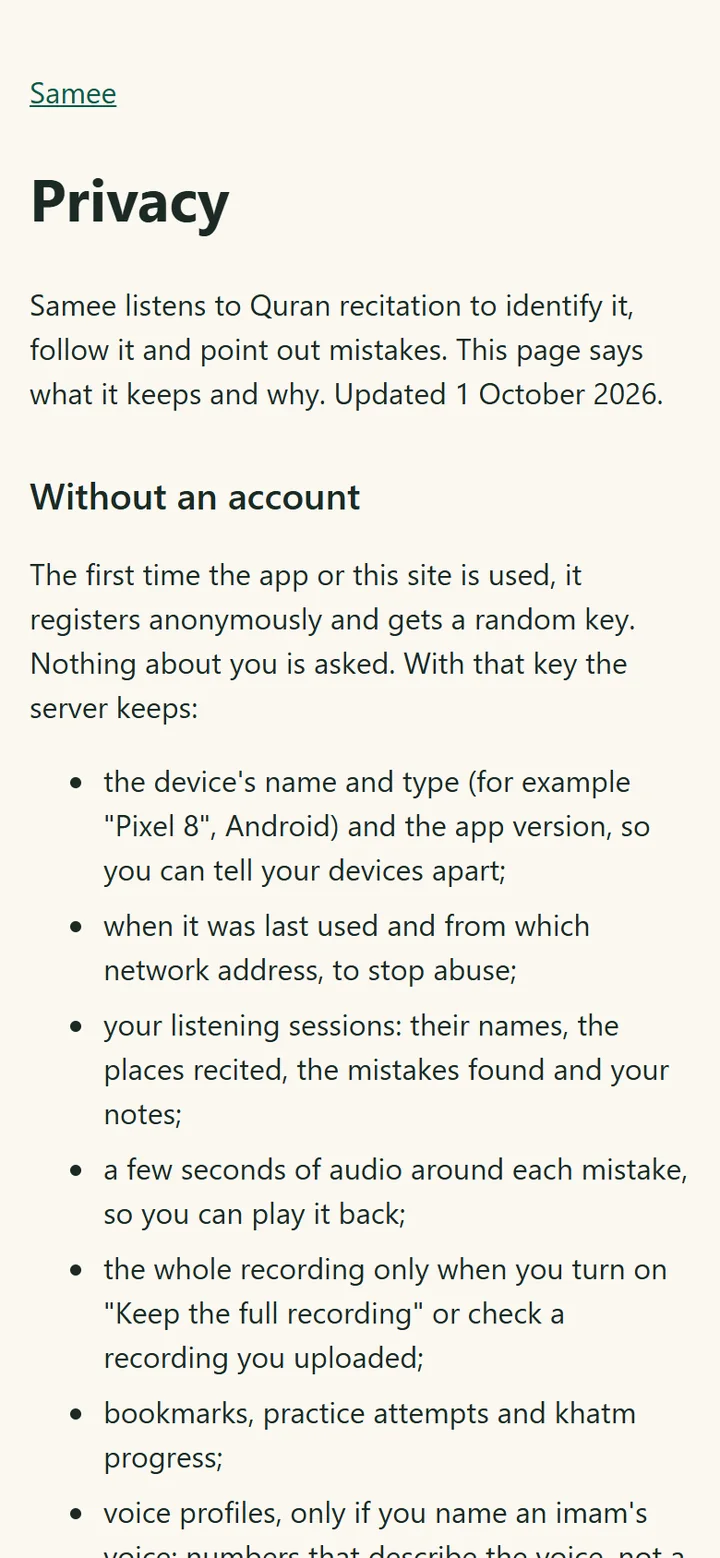
According to Samee's privacy page, the server keeps, with your anonymous key:
- the device's name and type (for example Android phone or iPhone, worked out from your browser) and app version, so you can tell your devices apart;
- when it was last used and from which network address, to stop abuse;
- your listening sessions: their names, the places recited, the mistakes found and your notes;
- bookmarks, practice attempts and khatm progress;
- voice profiles, only if you name or teach a voice.
An account adds a username and a password, stored only as a secure hash. The recovery code is also stored only as a hash. No email, phone number or real name is asked for.
What Samee doesn't do
- No advertising, no analytics or tracking services, and nothing is sold or shared.
- Your sessions are visible only to your own devices.
- The reference recitations you play come from EveryAyah.com recordings. When one is fetched from EveryAyah.com, that site receives an ordinary request for the file.
Who can see your sessions
- Without an account: the browser or app that made them, and anyone you give your six-word recovery code to.
- With an account: every device signed in to it. Check the list under Devices on the Account page and Sign out any you don't recognise.
Anyone with your recovery code can see your sessions, so keep it as private as a password. A shared family phone shares its sessions too; use an account per person if that matters.
Delete your data
| To delete | Where |
|---|---|
| One session, its findings and its audio | Open its report and tap Delete. |
| One taught voice | Progress → Voices, then Delete next to it. Past reports keep their labels. |
| Your recently identified list | Identify, then Clear next to Recently identified. |
| Everything of this device (no account) | Progress → This device's data → Erase my data. |
| The account and everything in it | Account → Delete account. All its devices are signed out. |
Apart from clearing the recently identified list, each of these asks first, and none can be undone. Deleting the account is final: there's no way to restore it.
Your data in the browser
The browser itself keeps a few things for convenience: your theme, the translation you chose, your listening options, the recently identified list and the key that identifies the device (a cookie the page's scripts can't read). Clearing the browser's data removes them. Without an account or a recovery code, sessions on the server are then out of reach. Make a recovery code or an account first if you want to keep them (how).
A note on recording others
If you record an imam or a student, ask first. Samee keeps the clips and recordings for you alone, but the recitation is theirs. For a mosque, follow its policy on recording.
Questions about how something works? Start with what Samee is.
Frequently asked questions
Does Samee keep the audio I use to identify a recitation?
No. Audio sent to identify a recitation is analysed and then discarded. The Recently identified list is kept only in your browser.
Does Samee record the whole Taraweeh night?
Only if you turn on Keep the full recording before starting, or upload a recording to check. Otherwise it keeps a few seconds of audio around each finding, so you can play it back.
Can anyone else see my sessions?
Your sessions are visible only to your own devices: the device that made them, or every device signed in to your account. Anyone who has your recovery code can also see them, so keep it private.
Does Samee show adverts or use tracking?
No. Samee's privacy page states there is no advertising and no analytics or tracking services, and that nothing is sold or shared.
How do I delete everything?
Without an account, tap Erase my data under This device's data on Progress. With an account, tap Delete account on the Account page. Both remove your sessions, recordings, voices and bookmarks from the server.
Was this article helpful?
Related articles
- Account or anonymous device: recovery codes and adding a deviceWithout an account, each browser keeps its own sessions; a six-word recovery code moves them. An account (username and password, no email) shares them across devices. Add one with an 8-character code.
- Delete your Salah Locator account and understand your dataIn the app, open Profile, tap Delete account and confirm. On the website, open Settings and choose Delete account. Deletion is immediate and removes your saved mosques and notifications.
- Follow a Taraweeh imam or a student live, word by wordOn Listen, name the session and its track, choose where it starts and tap Start listening. Samee finds the place, follows each word and lists missed, wrong and skipped words as they happen.
- Identify a Quran recitation from sound or from a fileOn Identify, tap the star and hold the phone near the recitation for 6 to 15 seconds, or tap Identify a file. Samee names the surah, the ayahs and, where it can, the reciter.
Need a hand?
Email us what you see on screen — a screenshot helps — and we'll walk you through it.